

147.61 €
In Stock
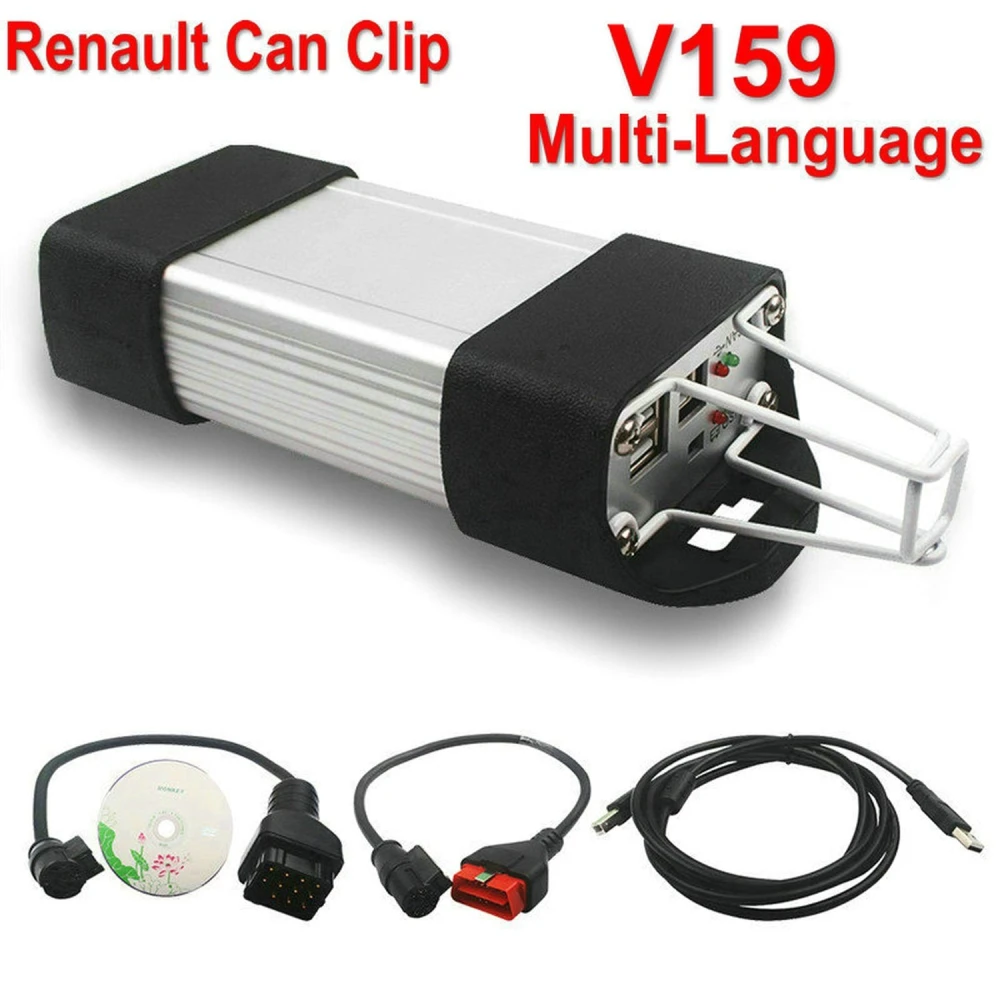
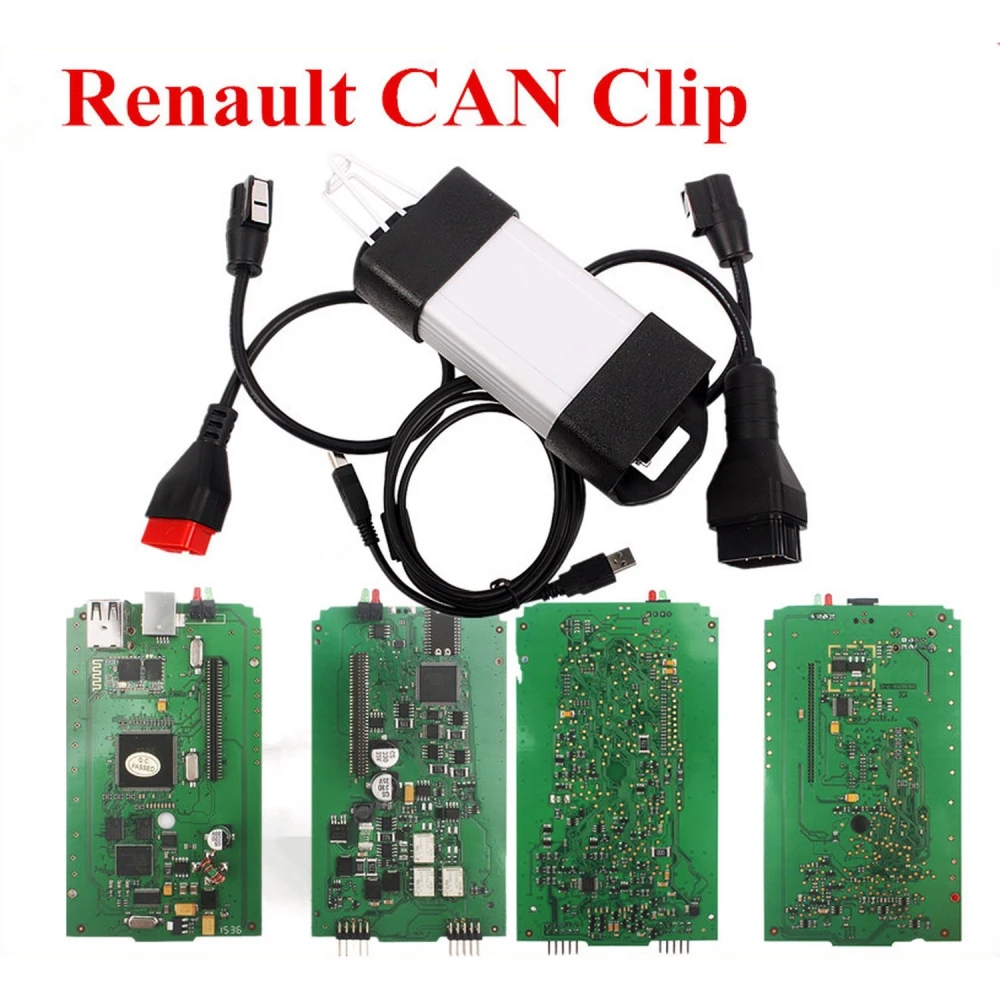
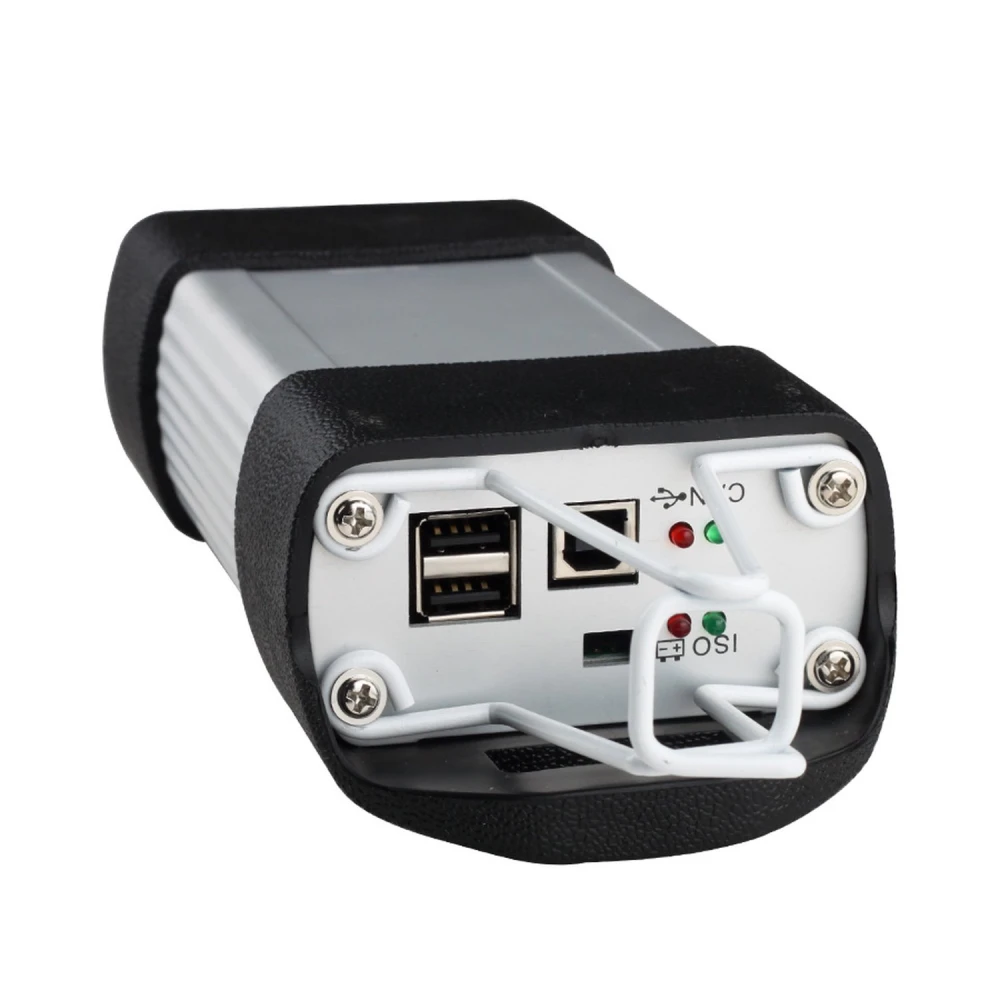
Can Clip Renault V236 - Diagnostics Interface and Scanner for Renault
Brand: satkit
147.61€
VAT included (Ex VAT: 120.01 €)
In Stock - Ships immediately
Standard delivery
Wed, Sep 16 - Fri, Sep 18
Express delivery
Mon, Sep 14 - Tue, Sep 15
30-day returns
Free returns within 30 days
Secure transaction


Share:
Free Delivery
Shipping from €4.99
Easy Returns
30 day return policy
Secure Payment
100% secure checkout
Quality Guarantee
Original products only
Product Description
The Can Clip Renault V236 is a diagnostics and reprogramming tool specifically designed for Renault vehicles. This interface enables a complete vehicle analysis, providing stability, reliability and a long service life thanks to its robust design and updated software.
Main Features
- Software version: V236, with support for multiple languages including Spanish, English, German, French, Italian and Portuguese, among others.
- Main supported functions:
- Display of all information related to the vehicle.
- Tests of individual ECUs and automatic tests of all ECUs in the vehicle.
- Specific airbag test to verify correct operation.
- OBD tests for advanced diagnostics.
- Access to the technical database (Technical Notes).
- Physical measurements and integrated multimeter use.
- Emissions functions to verify emissions output.
- Full reprogramming and scanning of the Renault vehicle.
Compatibility and System Requirements
- Works only with Windows 10 Pro.
- Not compatible with Windows 7 or Windows 11. This is the most important requirement of this product: before purchasing, check which operating system the computer you intend to work with is running.
- Requires Java to be installed in order to function correctly.
If your computer runs Windows 11, the usual solution is to dedicate a laptop with Windows 10 Pro exclusively for diagnostics — which is also what most workshops do to keep workshop software separate from their everyday computer.
Package Contents
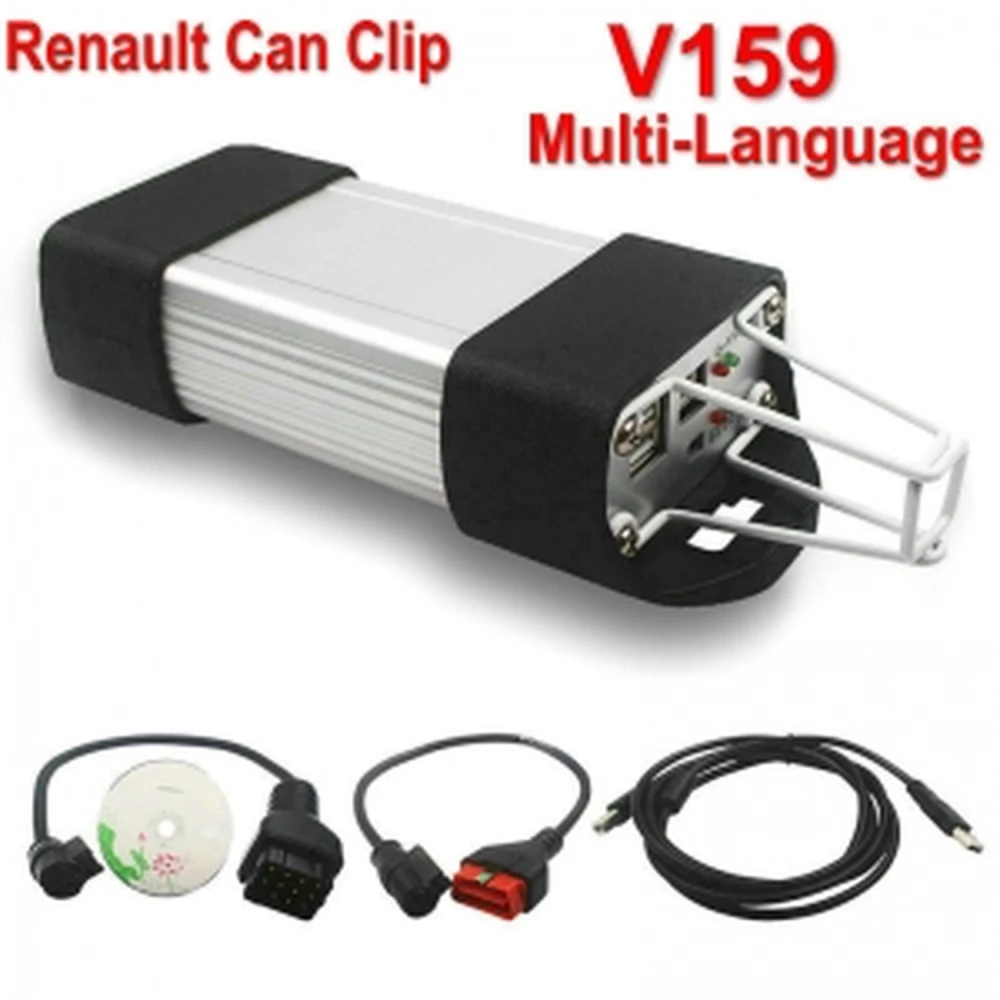
- CAN Clip interface.
- Two cables for connection to the Renault vehicle.
- One cable for connection to the PC.
- CLIP V236 software.
Typical Use
This tool is ideal for mechanical workshops, technicians and enthusiasts who need to carry out precise diagnostics, maintenance and reprogramming on Renault vehicles. It allows fault detection, specific tests and access to detailed technical information for efficient repair work.
Installation Instructions
It is essential to follow the step-by-step instructions for installing the V236 CAN CLIP software before using the interface, and to do so on a computer running Windows 10 Pro.
Summary
The Can Clip Renault V236 is a complete solution for diagnostics and maintenance of Renault vehicles, with advanced reprogramming functions and access to technical documentation. It runs exclusively on Windows 10 Pro.
Customer Questions & Answers
What diagnosis and reprogramming functions does the CAN Clip V236 offer in Renault vehicles?
The CAN Clip V236 allows diagnosis of electronic control units, reading/clearing fault codes, automatic tests, airbag tests, physical measurements, anti-pollution functions, multimeter use and access to technical documentation. It also supports ECU reprogramming in compatible vehicles depending on the software version. These functions cover the main needs of professional diagnosis on Renault models.
What computer system requirements and connectors are needed for the product to work correctly?
A PC with Windows 10 Pro, with Java installed, is required. It does not work on Windows 7 or Windows 11. The software included is version V236. The included connectors are two CAN Clip-Car (OBD2) cables and one CAN Clip-PC (USB) cable. A standard USB port on the PC is required. It is also recommended to disable any antivirus software during installation to avoid interference.
What are the physical dimensions, approximate weight and exact box contents?
The package includes: 1 CAN Clip interface (approx. 150 × 100 × 30 mm, weight 0.45 kg), 2 CAN Clip-Car cables, 1 CAN Clip-PC (USB) cable and 1 software CD. Dimensions may vary slightly depending on the manufacturer or version.
What limitations or common issues occur during installation or use?
Common issues include incompatibility with operating systems other than Windows 10 Pro, and recognition failures caused by antivirus software. Note that Windows 7 and Windows 11 are not supported. To avoid problems, ensure Java is installed before running the setup, temporarily disable antivirus software during installation, and follow the user manual exactly.
Compared with other generic OBD2 scanners, what objective advantages does this specific unit offer for Renault?
The CAN Clip V236 offers advanced OEM-level diagnostics, allows unit reprogramming and provides access to Renault-specific functions not available with generic OBD2 scanners. Protocol and function compatibility is greater on Renault/Dacia vehicles. However, it is not compatible with other makes and its software is less flexible than some multi-brand devices.
Which Windows versions is the Can Clip Renault V236 compatible with?
The latest software included is V236, and it is compatible with Windows 10 Pro only. It does not work with Windows 7 or Windows 11. Please also ensure that Java is installed on your computer before running the software, as it is required for the interface to function correctly.
What main functions does this diagnostic interface support?
It supports display of vehicle information, computer tests, automatic tests, airbag test, OBD tests, access to technical notes, physical measurements and anti-pollution functions.
What is included in the package when buying the Can Clip Renault V236?
It includes the CAN Clip interface, two cables for connection to the vehicle, one cable for connection to the PC and a CD with CLIP V236 software.
Is any software installation required to use the Can Clip Renault V236?
Yes, CLIP V236 software must be installed and the step-by-step instructions must be followed for the correct installation of V236 CAN CLIP software.
Can I use this tool with vehicles other than Renault?
This tool is specifically designed for Renault vehicles and may not be compatible with other brands.
Write a customer review
Customers who bought this item also bought
Your Recently Viewed Items
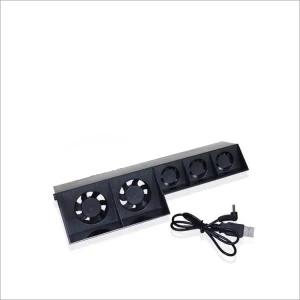 Can Clip Renault V236 - Diagnostics Interface and Scanner for Renault
147.61 €