

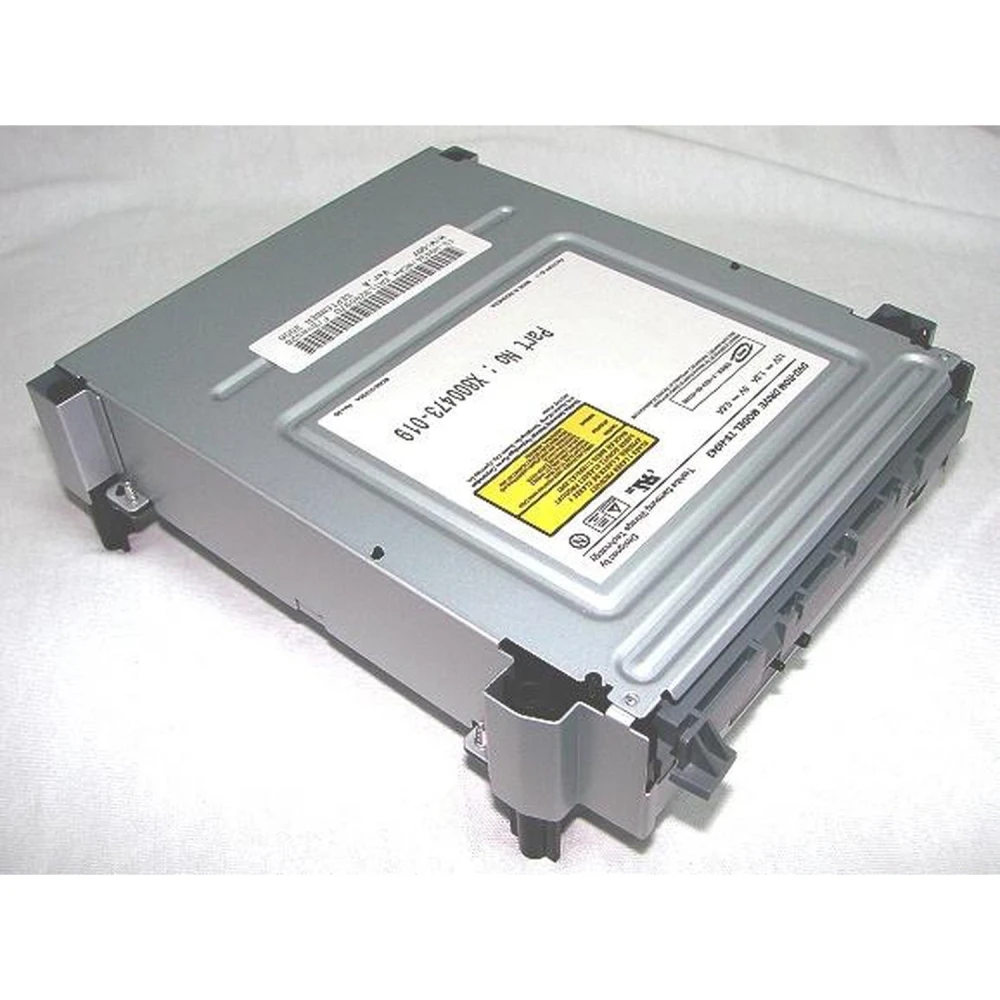
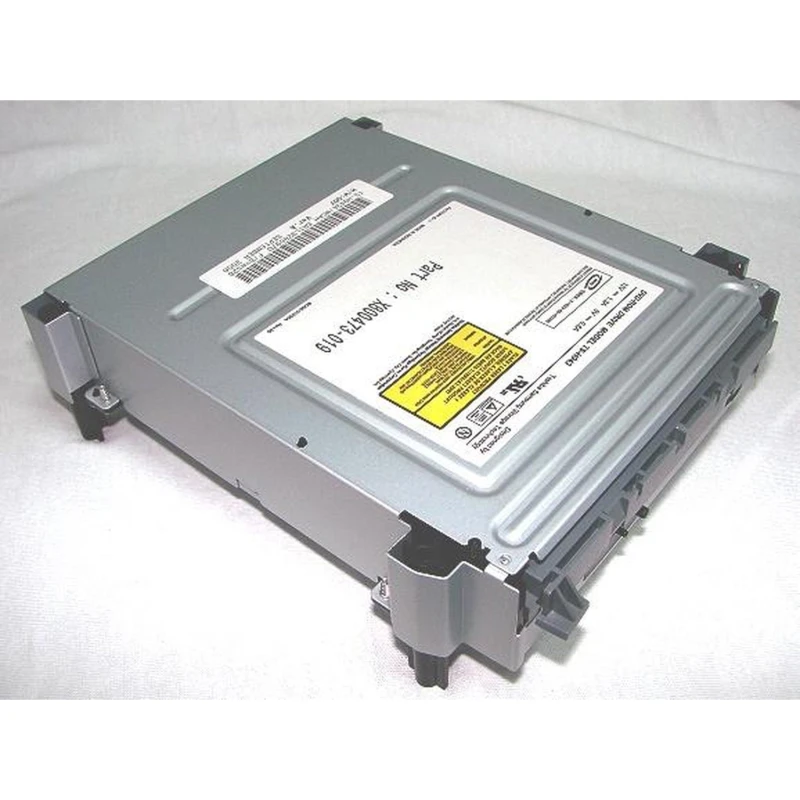
Samsung MS28 DVD Drive for Xbox 360 - New replacement
Brand: satkit
VAT included (Ex VAT: 17.00 €)
Volume Discounts
| Quantity | Price | Save |
|---|---|---|
| 2+ | 20.07 € | -4% |
| 10+ | 19.45 € | -7% |
| 20+ | 17.36 € | -17% |


Samsung MS28 DVD Drive for Xbox 360 is a DVD replacement designed to repair your Xbox 360 console. This MS-28 model drive is new and compatible with the original Xbox 360 firmware, allowing you to replace a faulty drive and restore system functionality.
This product is ideal for users who need to replace the DVD drive in their Xbox 360 console and have the technical knowledge to carry out the installation and programming of the original firmware on the new drive.
Key features:
- DVD drive replacement for Xbox 360 Samsung MS-28 model.
- New product, unused.
- Compatible with original Xbox 360 firmware for programming.
- Requires technical knowledge for installation and firmware update.
- No warranty due to installation risks.
Recommended use:
This drive is suitable for repairing Xbox 360 consoles with DVD drive issues, such as read errors or physical damage. It is essential to have the original firmware to program the new drive correctly and avoid damage to the console.
Compatibility:
Compatible exclusively with Xbox 360 consoles that use the Samsung MS-28 drive. Compatibility with other console models or versions is not guaranteed.
Important warnings:
- Incorrect installation may damage the drive and the console.
- The product does not include a warranty due to the risk of damage caused by poor installation.
- If you do not accept these conditions, it is recommended not to purchase this product.
For more information about installation and compatibility, consult a specialist technician or contact our customer service team.
- DVD drive replacement for Xbox 360 Samsung MS-28 model
- New product, unused
- Compatible with original firmware for programming
- Requires technical knowledge for installation
- No warranty due to risk of installation damage
Customer Questions & Answers
What technical steps are needed to install the drive in the Xbox 360?
To install the drive, it is essential to extract the firmware from the original drive and flash it onto this new drive using specialised hardware (such as a PC with a SATA interface and flashing tools). Without the original firmware, the drive will not work with the console due to the Xbox 360 protection system.
What are the exact dimensions and weight of the Samsung MS28 drive?
The Samsung MS28 drive has approximate dimensions of 190 mm x 160 mm x 40 mm and weighs close to 800 grams. These measurements may vary slightly depending on the production batch.
What common problems may occur after installing this drive, and how can they be avoided?
The most common problems are read errors and the inability to authenticate with the console, usually due to incorrect firmware flashing. To avoid them, it is essential to check the integrity of the original firmware and carry out the installation following ESD-safe procedures and correct connections.
Does this drive comply with any safety standards, and are spare parts available?
This type of replacement part complies with general international EMC (electromagnetic compatibility) standards for consumer electronics, although it is not a safety-specific component. Due to the age of the Xbox 360, availability of original spare parts is limited and usually depends on third-party stock.
Is this Samsung MS28 drive compatible with all Xbox 360 consoles?
This drive is compatible only with Xbox 360 consoles that use the Samsung MS-28 model. Compatibility with other models is not guaranteed.
Does the product include a warranty?
No, this product does not include a warranty because incorrect installation can damage the drive and/or the console.
Do I need any software or firmware to install the drive?
Yes, you need the original drive firmware to program it onto the new Samsung MS28 drive.
Can I install the drive myself?
The installation requires technical knowledge and experience. Incorrect installation can damage the console and the drive.
What should I do if the product is out of stock?
The product is currently out of stock. We recommend contacting customer service for alternative options or future restocks.
Write a customer review
Customers who bought this item also bought