

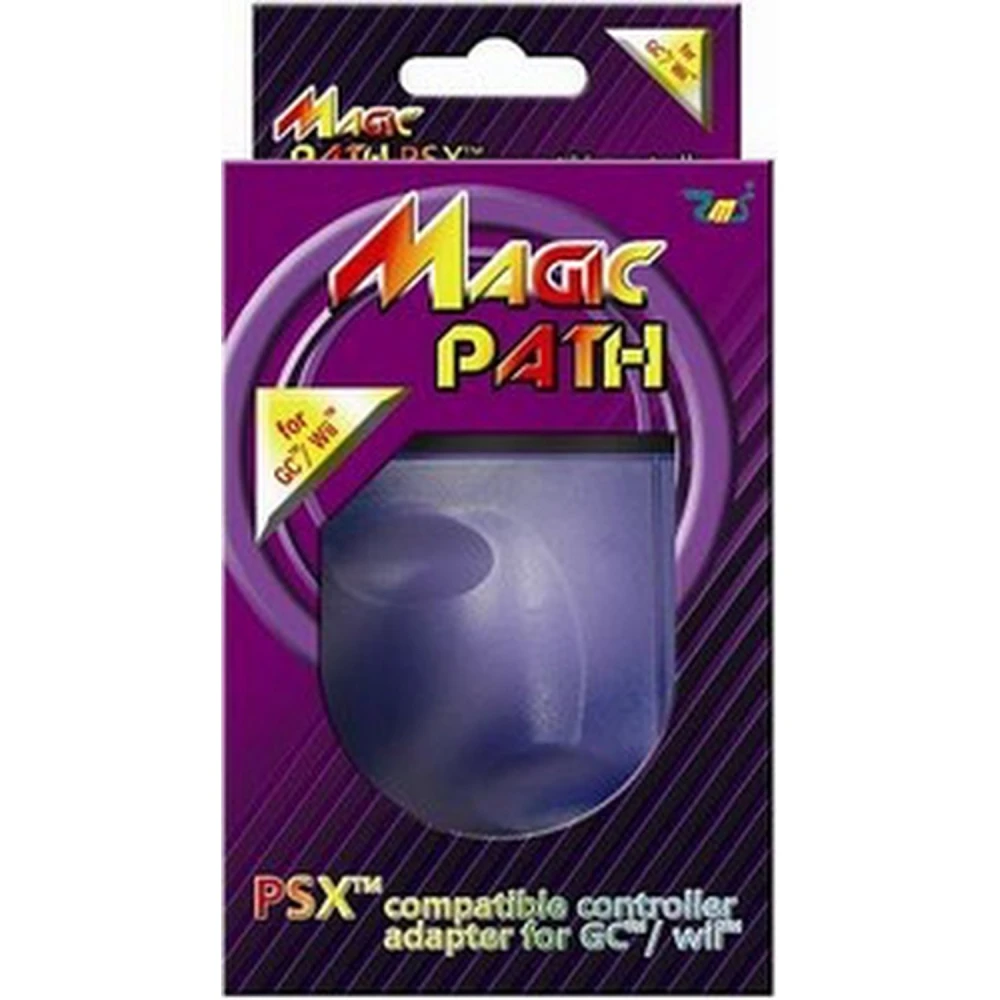
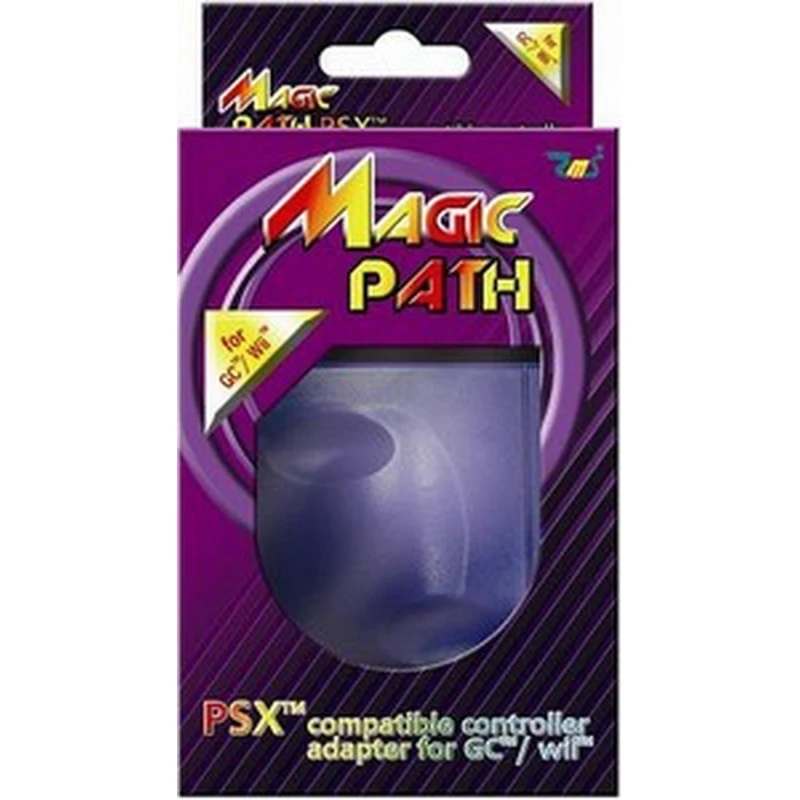
Magic Path PS2 Controller to Wii and GameCube Adapter with Auto Fire and Vibration
Brand: satkit
VAT included (Ex VAT: 7.00 €)
Volume Discounts
| Quantity | Price | Save |
|---|---|---|
| 2+ | 8.27 € | -4% |
| 10+ | 7.60 € | -12% |
| 20+ | 7.06 € | -18% |


The Magic Path PS2 Controller to Wii and GameCube Adapter is a device that lets you use controllers compatible with PS and PS2 on Nintendo GameCube and Wii consoles. This adapter is ideal for players who want to use their PS2 controllers in compatible GameCube and Wii games, offering a practical and functional solution.
Main features:
- Allows you to connect controllers compatible with PS and PS2 to GameCube and Wii consoles.
- Supports vibration (rumble) for a more immersive gaming experience.
- Includes a programmable Auto Fire mode to make continuous firing easier in games that require it.
Compatibility and use:
- The adapter is recognised by the console as a GameCube controller.
- On the Wii console, the controller connected through Magic Path works only in GameCube-compatible games or "classic" games; it is not compatible with the Wii menu or native Wii games.
Instructions for use:
- Make sure the GameCube or Wii console is switched off.
- Connect the Magic Path adapter to the console.
- Connect a compatible PS or PS2 controller to the adapter.
- Switch on the console; the PS2 controller will be ready to use.
Auto Fire mode setup:
- Press L2 + R2 + SELECT at the same time to activate Auto Fire mode; the LED will turn off to indicate that it is active.
- With the LED off, press the button you want to configure for auto fire.
- The LED will flash to confirm that the setup has been completed.
- To deactivate auto fire on a button, repeat the previous steps with the same button.
This adapter is an excellent option for those looking to expand the compatibility of their PS2 controllers on Nintendo consoles, while keeping advanced functions such as vibration and auto fire.
- Compatible with PS and PS2 controllers for GameCube and Wii consoles.
- Supports vibration (rumble) for greater realism.
- Includes a programmable Auto Fire mode for continuous firing.
- Recognised as a GameCube controller by the console.
- Works in compatible GameCube games and classic games on Wii.
Customer Questions & Answers
What advantages does the Magic Path adapter offer over other PS2 to GameCube/Wii controller adapters in terms of compatibility and functions?
The Magic Path stands out for supporting rumble and programmable Auto Fire, as well as offering compatibility with PS1 and PS2 controllers in GameCube games and classic Wii games. It does not work with the Wii Menu or native Wii games, which is standard for most adapters currently available.
What are the dimensions, weight and construction materials of the Magic Path adapter, and what exactly is included in the box?
The Magic Path usually measures approximately 70 x 40 x 15 mm and weighs around 45 g. It is mainly made from high-strength ABS and standard metal connectors. The box includes only the adapter; no additional cables or printed manual are supplied.
Does the adapter require additional power, and is it compatible with all versions of the GameCube and Wii console?
It does not require external power; it draws power directly from the console port. It is compatible with all standard GameCube versions and with Wii models that have GameCube controller ports; it does not work on Wii Mini or Wii U.
Does prolonged use of the adapter affect the durability of PS2 controllers or the adapter itself?
No damage to PS2 controllers or premature failure of the adapter has been documented under typical use. The connectors are designed to withstand frequent plugging and unplugging (>2,000 cycles). Avoid forcing the ports to maximise service life.
Are there common issues such as the controller not being recognised or malfunctioning, and how are they usually resolved?
The most common issue is the controller not being recognised when connected with the console switched on; this is solved by plugging and unplugging the adapter with the console turned off. If the controller does not respond, check that it is original or compatible, and that the connector pins are clean and not bent.
Is the adapter compatible with all Wii games?
No, the adapter only works in GameCube-compatible games or "classic" games on Wii, not in the Wii menu or native Wii games.
Can I use any PS2 controller with this adapter?
Yes, the adapter is compatible with standard PS and PS2 controllers.
How do I activate Auto Fire mode?
Press L2 + R2 + SELECT at the same time to activate the mode, then press the button you want to configure for auto fire.
Does the adapter support vibration?
Yes, the adapter supports vibration (rumble) on compatible controllers.
Is the adapter recognised as a GameCube controller?
Yes, the console recognises the adapter as a GameCube controller.
Write a customer review
Customers who bought this item also bought
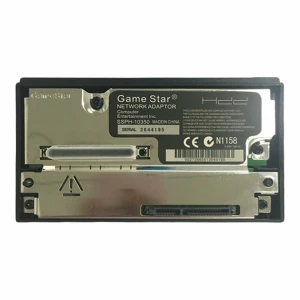
SATA hard drive adapter for PlayStation 2 compatible with PS2 Fat and McBoot
Your Recently Viewed Items