

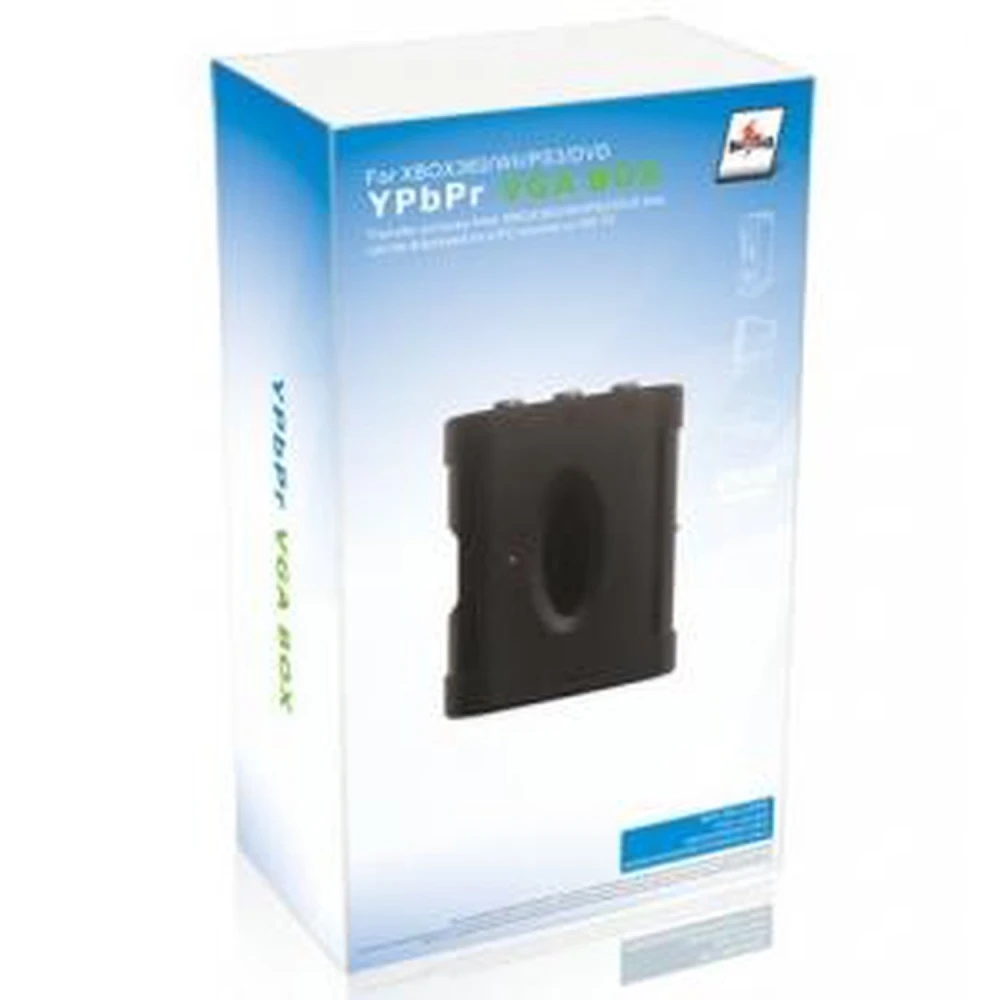
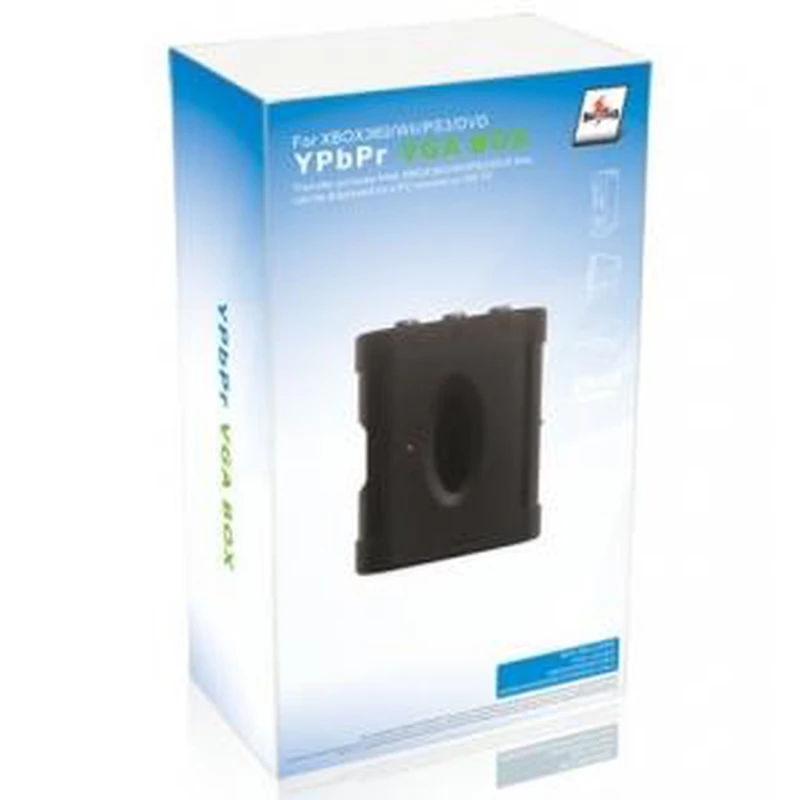
YPbPr to VGA Converter - Component Video Box for consoles and monitors
Brand: satkit
VAT included (Ex VAT: 35.63 €)
Volume Discounts
| Quantity | Price | Save |
|---|---|---|
| 2+ | 42.07 € | -4% |
| 10+ | 40.76 € | -7% |
| 20+ | 37.25 € | -15% |


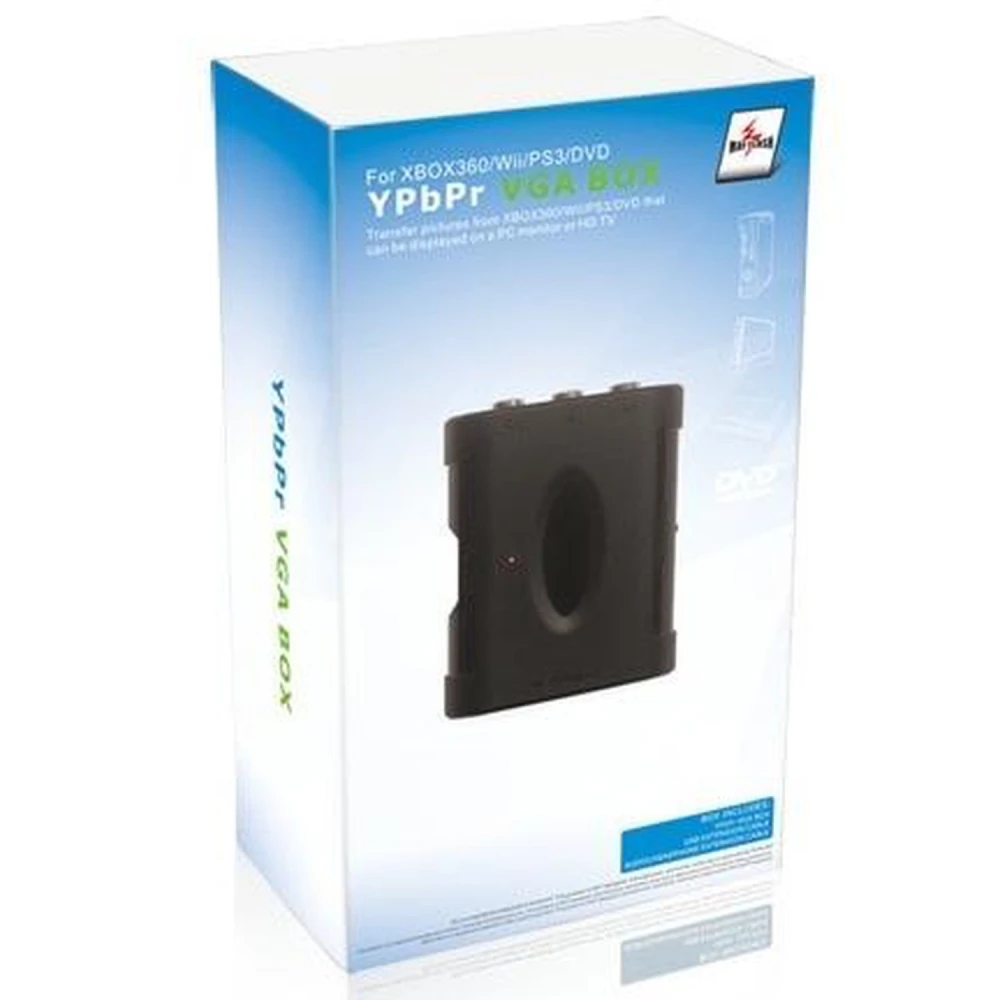
The YPbPr to VGA converter is an essential device for connecting consoles and other devices with component video output to traditional VGA monitors. This component video to VGA box offers a practical and efficient solution for adapting analogue signals and enjoying better image quality on compatible screens.
Key features:
- Supports PC VGA input with a maximum resolution of 1600 x 1200 at 75Hz, ensuring a clear and stable image.
- Compatible with 480p, 720p, 1080i and 1080p video modes, allowing use with various output resolutions.
- Includes a component input (YPbPr) and automatically adjusts the output signal for HDTV, CRT or TFT monitors.
- Low power mode for energy efficiency.
- Works with TFT, LCD, CRT monitors and other display types with VGA input.
- Compatible with devices with component output, such as Xbox, GameCube, PS2, PS3, Wii, DVD players, among others.
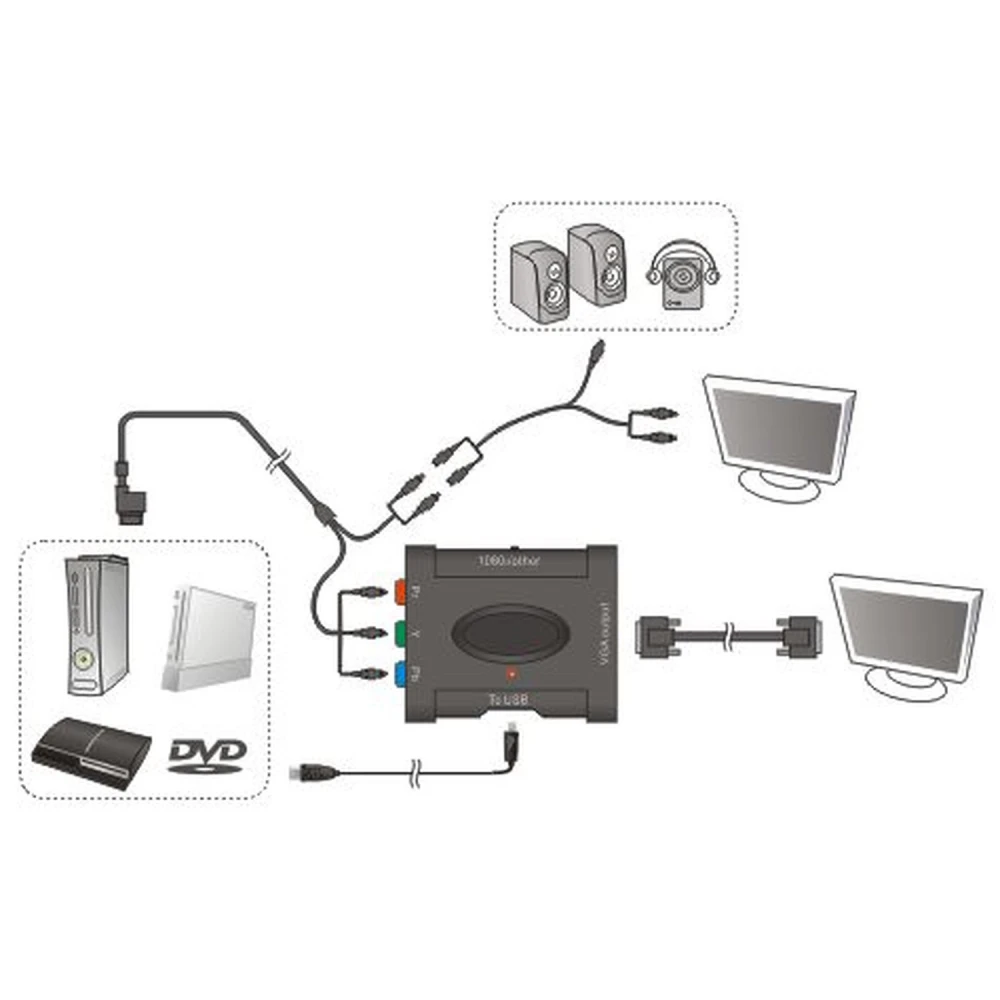
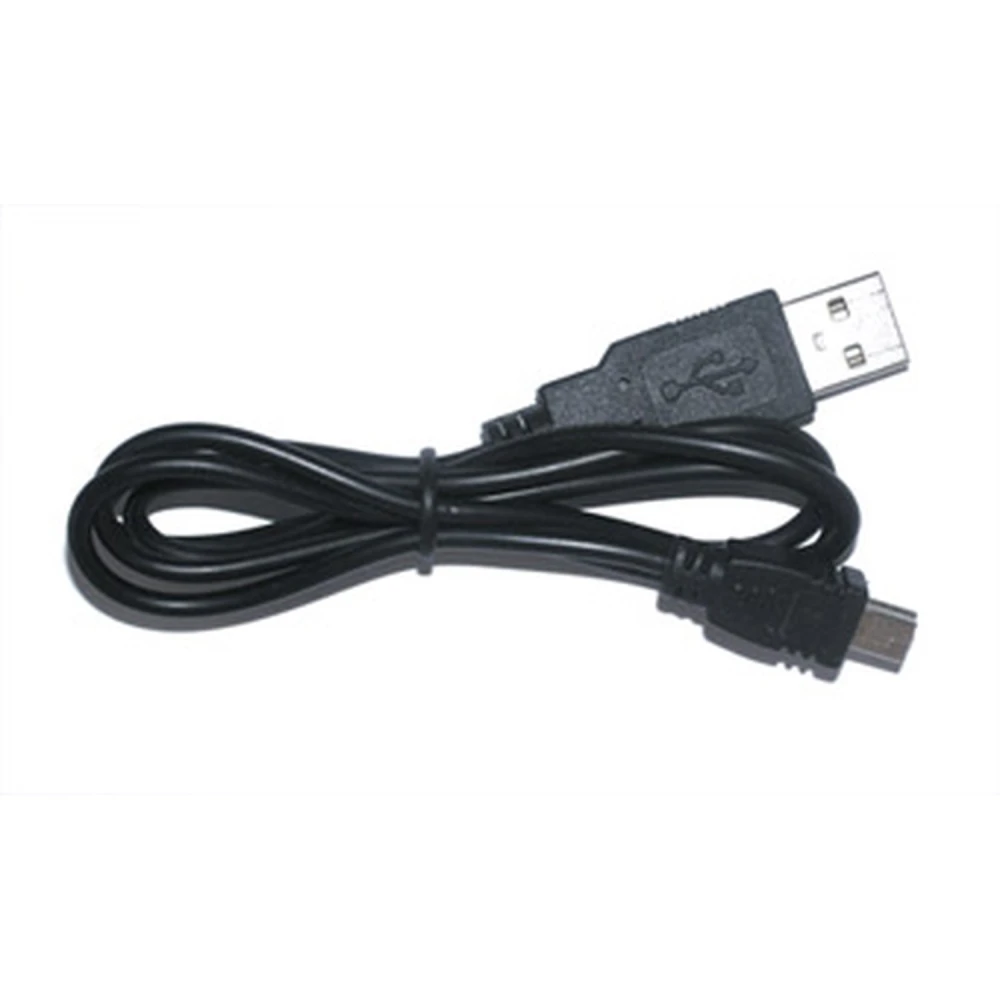
- Powered via a USB cable connected directly to the console, removing the need for external adapters.
Typical use and compatibility:
This converter is ideal for users who want to connect classic or modern consoles to monitors that only have a VGA input. It is especially useful for consoles such as Xbox, PS2, PS3, Wii and GameCube. For the Wii console, the maximum supported resolution is 480p.
It is important to note that this adapter only works in progressive mode. For example, on PS2 consoles, the game must support and enable progressive mode for the image to display correctly on screen. This requirement is essential to avoid display issues.
Limitations:
- Not compatible with systems that do not support progressive mode.
- The image may not display correctly if progressive mode is not enabled on the console or game.
This YPbPr to VGA converter is an excellent option for those looking for a practical solution to connect their component-output devices to older VGA monitors or monitors without HDMI or component inputs.
- Supports VGA input with resolution up to 1600x1200 at 75Hz
- Compatible with 480p, 720p, 1080i and 1080p video
- YPbPr component input with automatic adjustment for HDTV and CRT/TFT monitors
- Low power consumption mode
- Compatible with Xbox, GameCube, PS2, PS3, Wii and DVD players
- Powered by USB cable from the console
- Works only in progressive mode; progressive mode must be enabled in PS2 games
Customer Questions & Answers
What is the exact compatibility of the Ypbpr Box with consoles such as PS2 and Wii, and are there any restrictions on video modes?
The Ypbpr Box works properly with consoles such as Wii and PS2 only if the console or game allows progressive output (480p or higher). For example, on Wii the maximum supported resolution is 480p, and on PS2 it is only compatible if the active game supports progressive mode and it is enabled in the game’s own options. It is not recommended for titles or systems that operate only in interlaced mode (i).
What resolutions and refresh rates does the VGA output support exactly when using the Ypbpr Box?
The VGA output of the Ypbpr Box supports resolutions up to 1600 x 1200 pixels at 75 Hz, and also adapts to standard modes such as 480p, 720p, 1080i and 1080p depending on the input source. However, the final quality and refresh rate depend on both the incoming signal and the capability of the connected monitor, and manual resolution adjustment on the display may be required.
Are there any cable or connector requirements or limitations for installation?
Yes. The Ypbpr Box requires RCA component video cables (Y, Pb, Pr) for the input and a standard VGA cable (DB15) for the output to the monitor. A USB cable is also required for power. It is important to ensure that all cables are of suitable quality to avoid signal loss, especially at high resolutions.
What are the most common problems when installing this converter, and how can they be solved?
Common issues include no signal on monitors that are not compatible with progressive mode, distorted images caused by incorrect resolution settings, and no power if the USB port does not supply enough current. The solution is usually to check that the console and monitor support progressive mode, adjust the resolution from the source device, and use a working 5 V USB port.
Which consoles is this YPbPr to VGA converter compatible with?
It is compatible with consoles that have component output such as Xbox, GameCube, PS2, PS3 and Wii.
What resolutions does the converter support?
It supports 480p, 720p, 1080i and 1080p video resolutions, and VGA input up to 1600 x 1200 at 75Hz.
Do I need to change any settings on the console for it to work?
Yes, on consoles such as PS2 the game must support and enable progressive mode for the image to display correctly.
Can I use this converter with any VGA monitor?
Yes, it is compatible with TFT, LCD, CRT and other monitors with VGA input.
How is the converter powered?
It is powered via a USB cable connected directly to the console, with no need for external adapters.
Write a customer review
Customers who bought this item also bought
Your Recently Viewed Items