


7.38 €
In Stock
Universal HDMI adapter for phone to TV compatible with iOS and Android 1080P
Brand: satkit
7.38€
VAT included (Ex VAT: 6.00 €)
Only 3 left in stock - order soon!
Standard delivery
Wed, Apr 29 - Fri, May 1
Express delivery
Mon, Apr 27 - Tue, Apr 28
30-day returns
Free returns within 30 days
Secure transaction






Share:
Free Delivery
Shipping from €4.99
Easy Returns
30 day return policy
Secure Payment
100% secure checkout
Quality Guarantee
Original products only
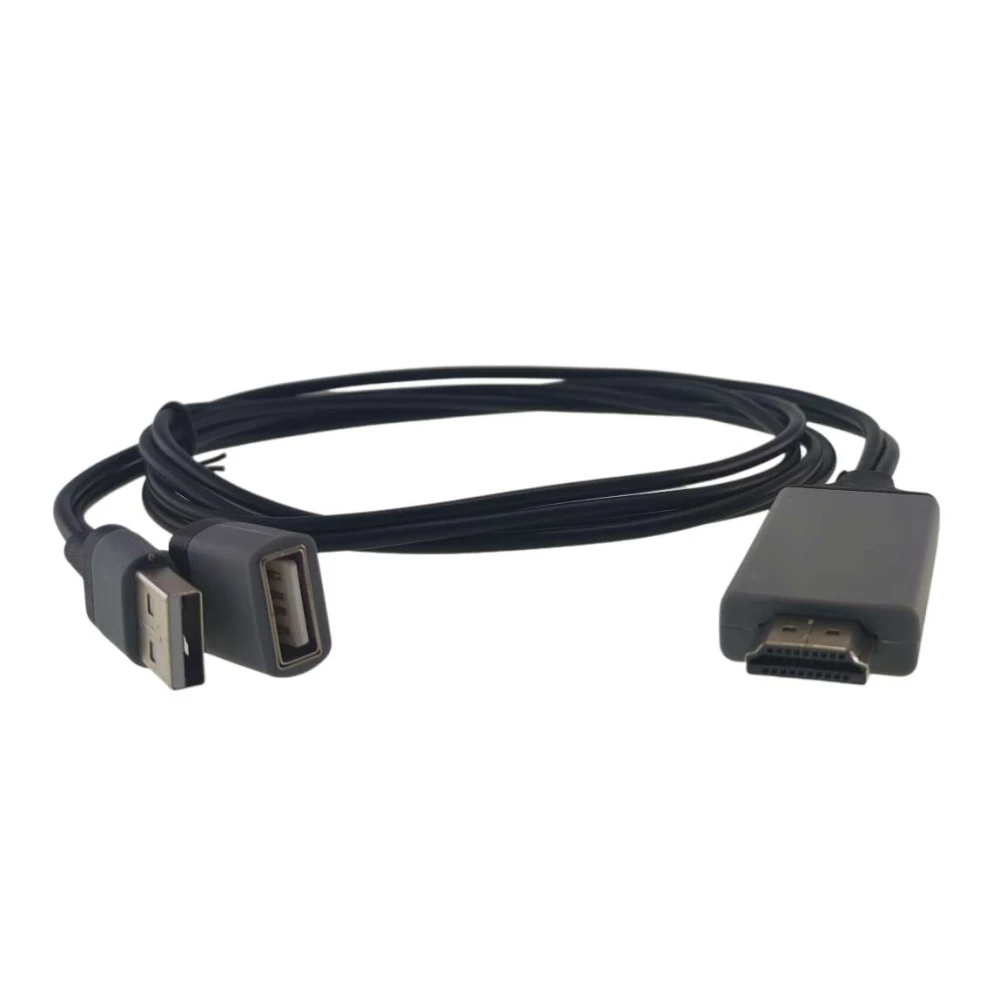
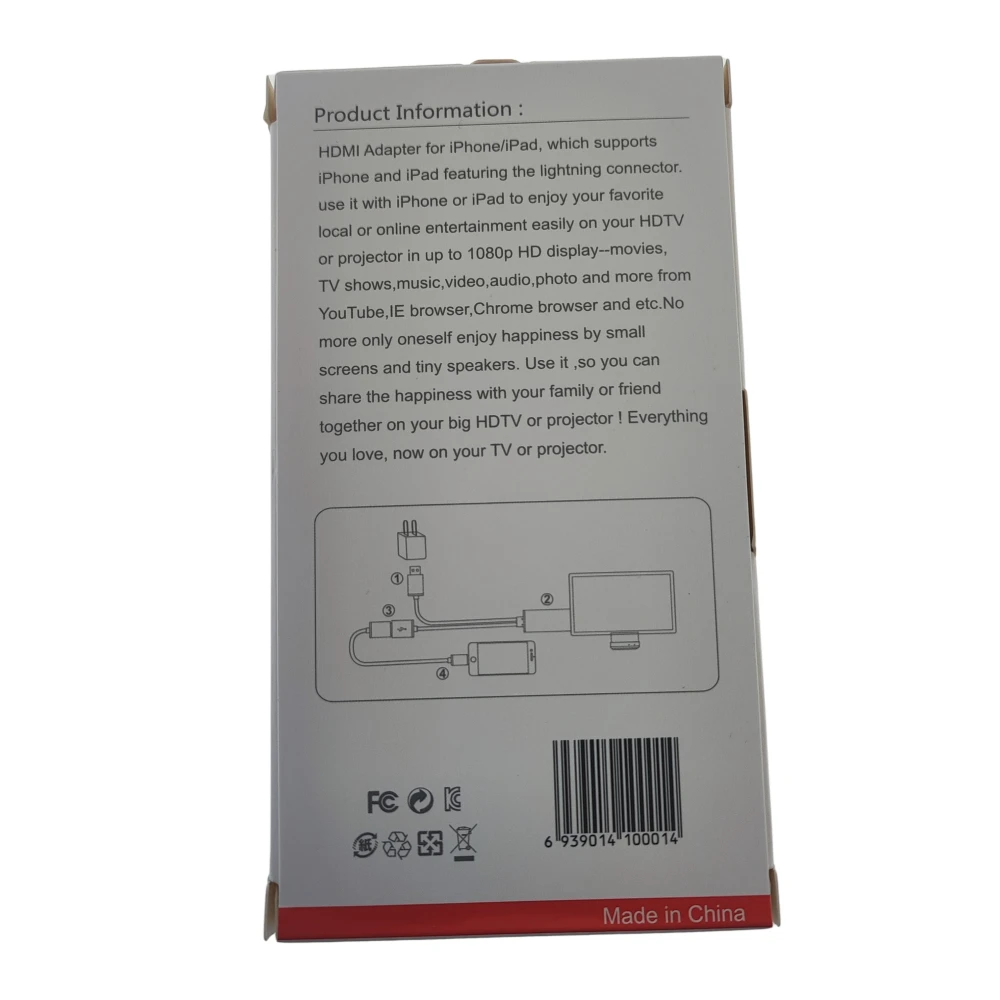
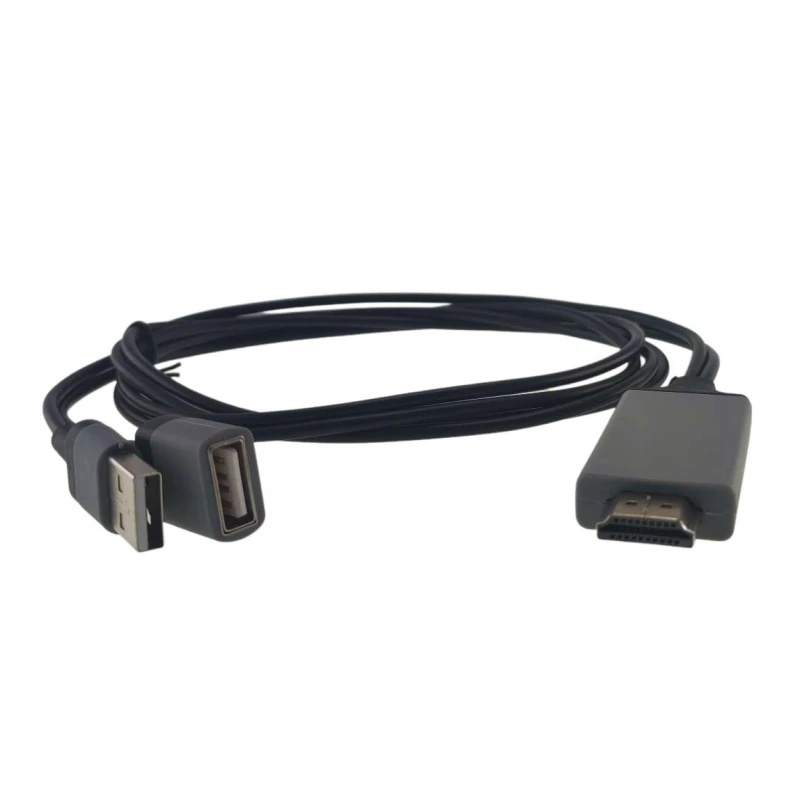
Universal HDMI adapter for phone to TV that transforms your audio-visual experience by allowing you to connect your iOS and Android mobile phone or tablet to HDTV televisions or projectors with Full HD 1080P resolution.
This 1.8 metre connection cable is ideal for sharing your programmes, videos, music and photographs on a large screen, overcoming the limitations of the small screens on your mobile devices.
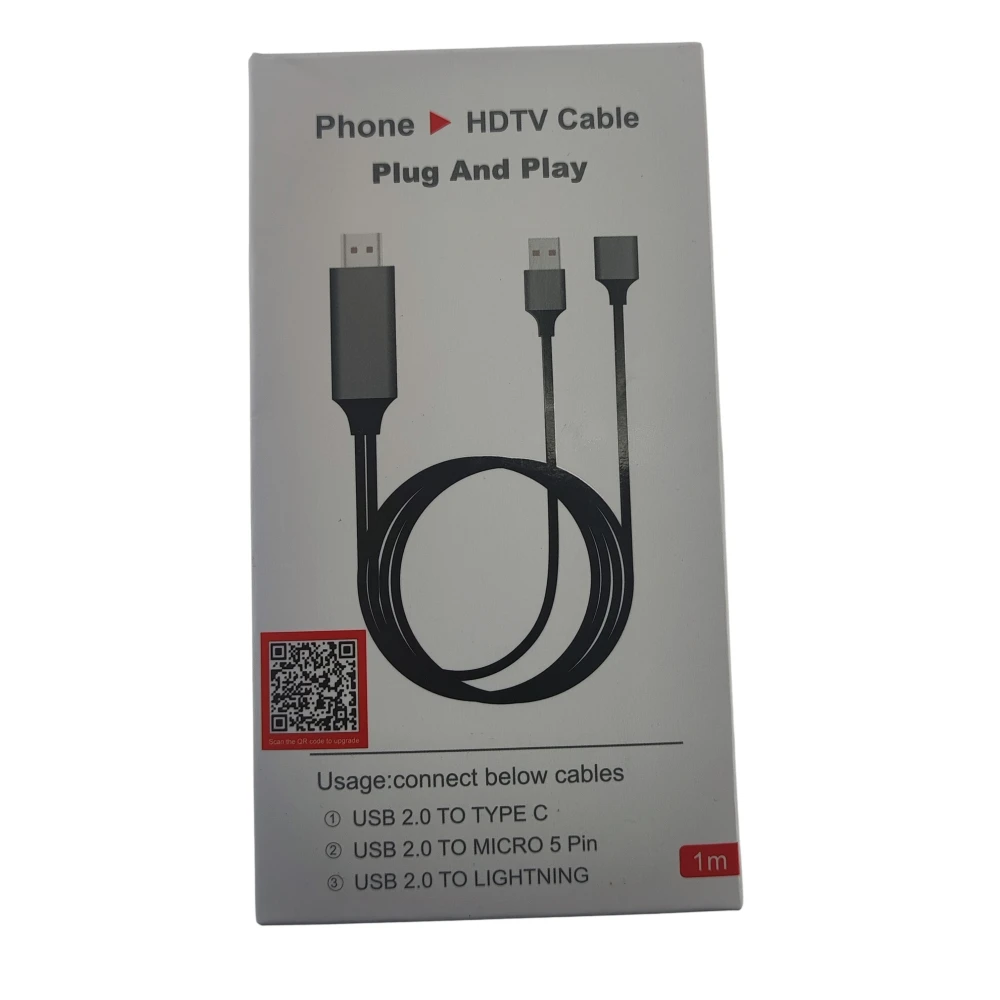
- Compatibility: Works with iOS devices (iPhone, iPad) and Android, requiring a Lightning cable for iPhone and a Type C cable for Android.
- Video resolution: Supports up to 1080P for clear and sharp image quality.
- Power supply: Powered via a USB cable for greater convenience and ease of use.
- Cable length: 1.8 metres for a flexible and comfortable connection.
The adapter is perfect for:
- Watching films and series in high definition from your phone on your HDTV or projector.
- Showing presentations or multimedia content on large screens for meetings or events.
- Enjoying music and photographs with family and friends on a large screen.
To connect your device, simply connect the adapter to the HDMI port on your TV or projector, connect the USB cable for power, and connect your phone with the appropriate cable (Lightning for iOS or Type C for Android) to the adapter.
Package contents:
- 1 x Phone to TV adapter cable (1.8 metres)
Note: Images and colours may vary slightly due to system settings and manual measurements. Please check with the seller for accurate information before buying.
- Compatible with iOS and Android for connecting phones to HDTVs or projectors
- Video resolution up to 1080P Full HD for sharp image quality
- 1.8 metre cable for a comfortable and flexible connection
- Powered by USB cable for simple use
- Ideal for sharing videos, music and photos on the big screen
Customer Questions & Answers
What should I do if the picture does not appear on the TV after connecting everything?
Make sure you connect the adapter to the TV first (select the correct HDMI input), then to the phone and grant any required permissions. On Android, enable the 'wireless display' or 'cast' function. If it still does not work, try another power cable or restart both devices. Some models require the adapter to be powered via USB.
Are there limitations when comparing this adapter with wireless alternatives such as Chromecast or Miracast?
Unlike wireless options, this adapter offers lower latency and does not depend on a WiFi network, but it requires a physical connection. It is not compatible with DRM-protected streaming (Disney+, Netflix in some cases) and may be less versatile in smart features. As an advantage, it is usually simpler and does not introduce noticeable delay in games or presentations.
Which devices is this HDMI adapter compatible with?
It is compatible with iOS devices such as iPhone and iPad, and with Android phones and tablets that have a Type C port.
Which cables do I need to connect my phone to the adapter?
For iPhone, you need a Lightning cable to connect to the adapter's USB port. For Android, a Type C cable is required.
What is the maximum resolution this adapter supports?
It supports a maximum resolution of up to 1080P for a high-definition experience.
How is the adapter powered?
The adapter is powered via an included USB cable, making it easy to use without batteries.
Can I use this adapter with a projector?
Yes, it is compatible for connecting your phone to HDTVs or projectors that have an HDMI input.
Write a customer review
Customers who bought this item also bought
-6%

-3%
-7%
Your Recently Viewed Items

-9%
-2%
-7%
-13%
-3%
Universal HDMI adapter for phone to TV compatible with iOS and Android 1080P
7.38 €