


2.71 €
In Stock
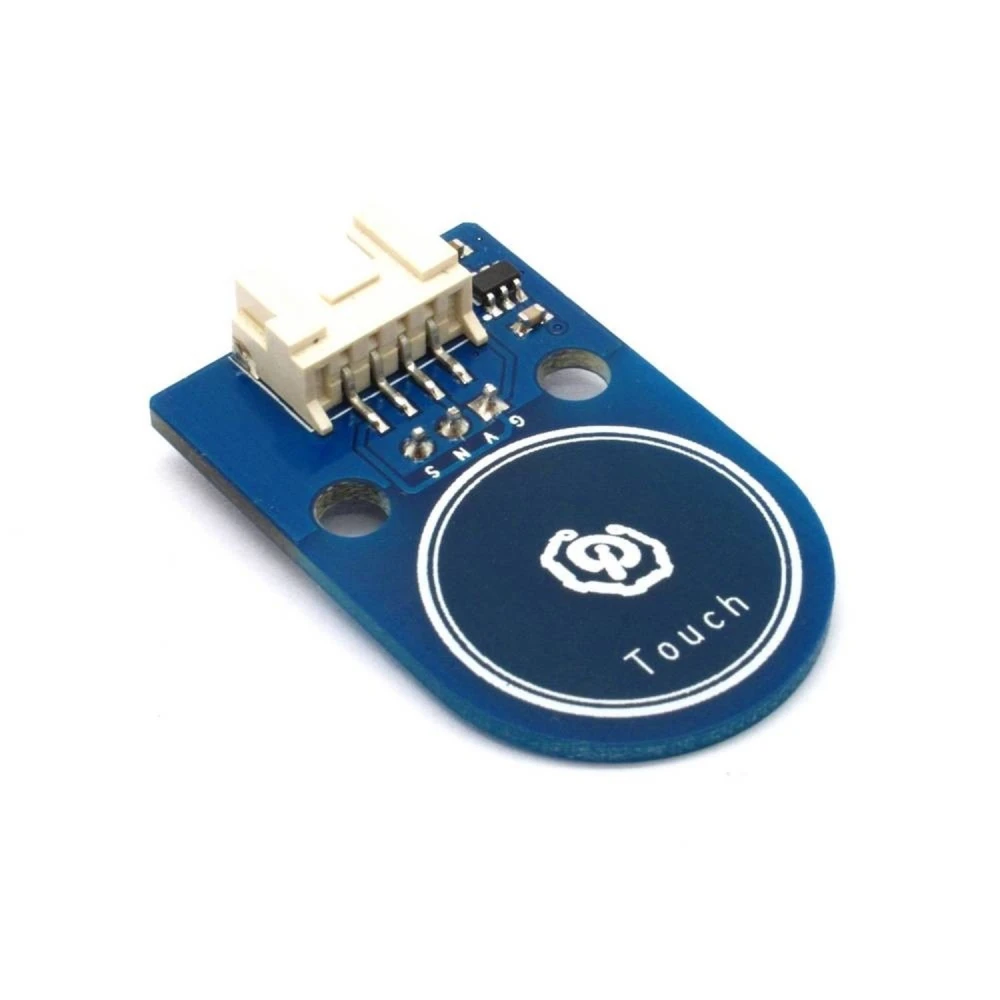
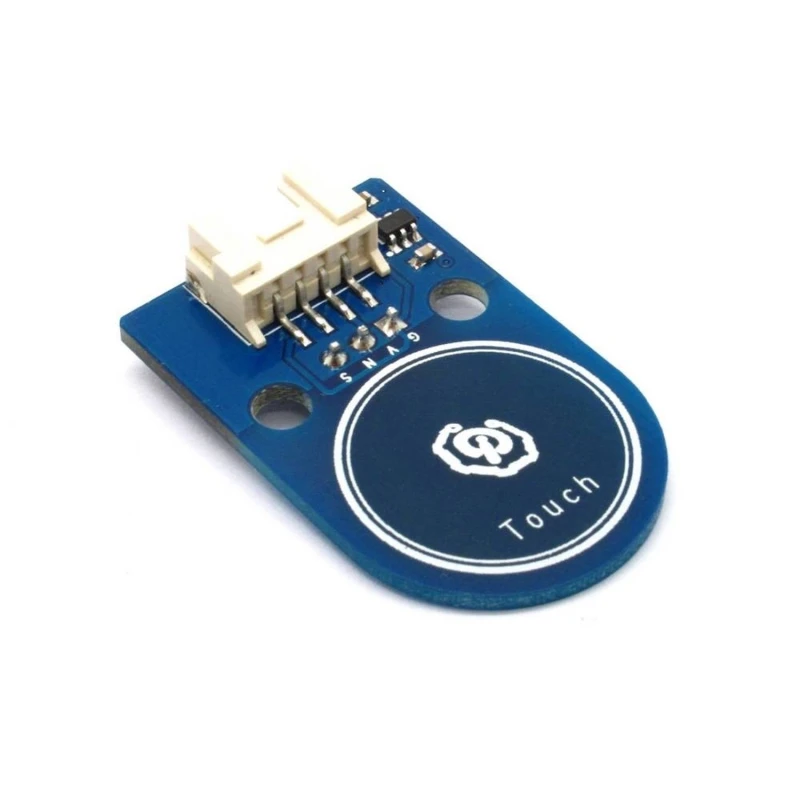
Plug and play Arduino touch button compatible with Grove interfaces and M4 kits
Brand: satkit
2.71€
VAT included (Ex VAT: 2.20 €)
Volume Discounts
| Quantity | Price | Save |
|---|---|---|
| 2+ | 2.60 € | -4% |
| 10+ | 2.46 € | -9% |
| 20+ | 2.16 € | -20% |
Only 4 left in stock - order soon!
Standard delivery
Fri, May 1 - Tue, May 5
Express delivery
Wed, Apr 29 - Thu, Apr 30
30-day returns
Free returns within 30 days
Secure transaction






Share:
Free Delivery
Shipping from €4.99
Easy Returns
30 day return policy
Secure Payment
100% secure checkout
Quality Guarantee
Original products only
Product description
The Arduino touch button is an electronic component designed to make interaction in Arduino projects easier. This touch sensor is plug and play, which means it is easy to use and connect without complications, ideal for makers, students and professionals looking for a quick and effective solution for their projects.
Main features
- Compatibility with standard 2.54 3-pin and 4-pin Grove interfaces, making it easy to integrate into multiple platforms.
- Use of standard M4 fixed holes, compatible with standard M4 kits such as Lego and Makeblock, allowing mounting in modular and educational structures.
- Compact PCB size: 38.0mm x 24.0mm x 1.6mm, ideal for projects with limited space.
- Working and operating voltage of 3.3V or 5V DC, compatible with most Arduino boards and other microcontrollers.
- Plug and play design that reduces setup time and lets you start using it quickly.
Typical uses and applications
This touch button is perfect for DIY electronics projects, educational robotics and interactive prototypes. It can be used to trigger functions, control devices or as a user interface in Arduino-based systems and compatible platforms.
Compatibility
Compatible with standard 2.54 3-pin and 4-pin Grove interfaces, this touch button adapts to a wide variety of Arduino boards and modules, as well as modular kits such as Lego and Makeblock thanks to its M4 fixed holes.
Technical specifications
- PCB size: 38.0mm x 24.0mm x 1.6mm
- Working voltage: 3.3V or 5V DC
- Operating voltage: 3.3V or 5V DC
- Compatible interfaces: 2.54 3-pin and 4-pin Grove
- Mounting mechanism: standard M4 fixed holes
Conclusion
satkit's Arduino touch button is a practical and versatile solution for anyone looking to add touch controls to their electronic projects. Its easy integration, compatibility with modular kits and compact design make it an excellent choice for educational and professional projects.
- Plug and play, easy to use for Arduino projects.
- Compatible with 2.54 3-pin and 4-pin Grove interfaces.
- Standard M4 fixed holes for mounting in Lego and Makeblock kits.
- Compact PCB size: 38.0mm x 24.0mm x 1.6mm.
- Working and operating voltage: 3.3V or 5V DC.
Customer Questions & Answers
What advantages does this touch button offer over a traditional mechanical button in Arduino projects?
The touch button eliminates moving parts, increasing service life by reducing wear from repeated use. It also offers a faster and quieter response, although it lacks tactile feedback. It is ideal for applications where durability and appearance are priorities.
What are the exact dimensions and weight of the module, and what is included in the box?
The module measures 38.0 mm x 24.0 mm x 1.6 mm (PCB), with an approximate weight of 5-8 grams. The box usually includes only the module; cables or manuals may not be included depending on the distributor.
Which Arduino boards and voltages is the touch button compatible with, and what type of connectors does it use?
It is compatible with Arduino boards operating at 3.3 V or 5 V DC and standard 2.54 mm interfaces (3-pin) or 4-pin Grove connectors. It can be used with most commercial boards that support those voltages and connectors.
What maintenance do these touch sensors require, and what is their typical durability?
The touch button only requires occasional cleaning to prevent dust build-up on the touch surface. Its durability is high (over 1 million activations), as it has no mechanical contacts subject to wear.
What problems usually occur during installation or use, and how can they be resolved?
Common issues include incorrect pin connections and false triggers caused by electrical interference. It is recommended to check the connections, use short cables and, if unintended activations occur, fit a 10 kΩ pull-down resistor.
What voltage does the Arduino touch button work with?
The Arduino touch button works with a working and operating voltage of 3.3V or 5V DC.
Is this touch button compatible with kits like Lego or Makeblock?
Yes, it has standard M4 fixed holes that allow compatibility and mounting in Lego and Makeblock kits.
What interfaces does the Arduino touch button support?
It supports standard 2.54 3-pin and 4-pin Grove interfaces.
Is it easy for beginners to use?
Yes, it is plug and play, designed to be easy to use and connect in Arduino projects without complications.
Write a customer review
Customers who bought this item also bought
-5%
-8%
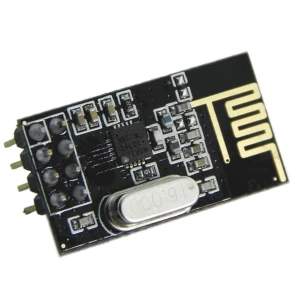
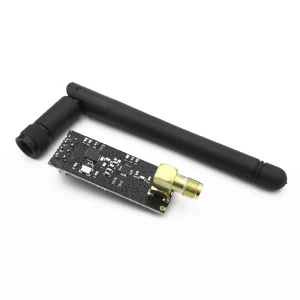
NRF24L01+ Wireless Transceiver for Arduino - Efficient Wireless Communication
1.81€
1.97 €
Only 10 left in stock
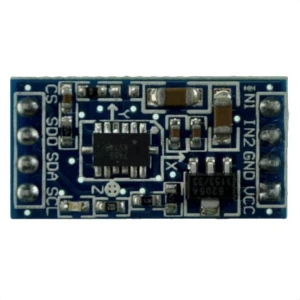
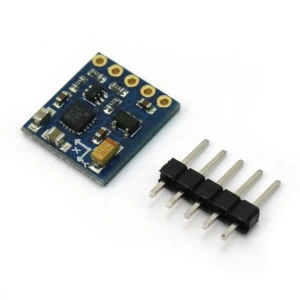
MMA7455 3-Axis Accelerometer Compatible with Arduino for Electronics Projects
4.31€
Only 10 left in stock
Your Recently Viewed Items
-11%

-10%
 Plug and play Arduino touch button compatible with Grove interfaces and M4 kits
2.71 €