

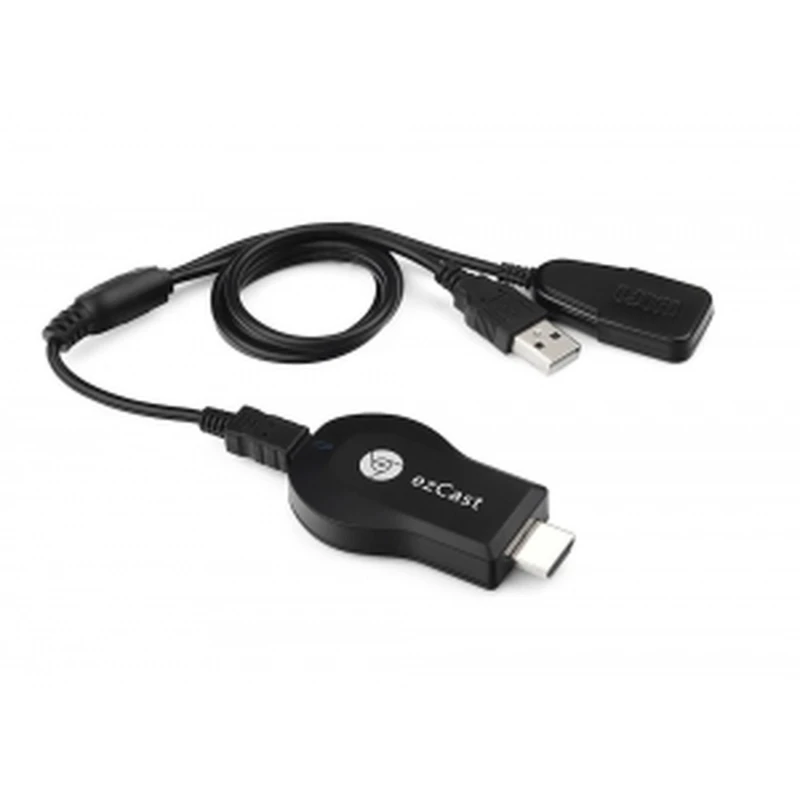
Ezcast M2 Universal WiFi Adapter for TV Streaming Miracast AirPlay
Brand: satkit
VAT included (Ex VAT: 18.00 €)
Volume Discounts
| Quantity | Price | Save |
|---|---|---|
| 2+ | 21.25 € | -4% |
| 10+ | 20.59 € | -7% |
| 20+ | 18.38 € | -17% |


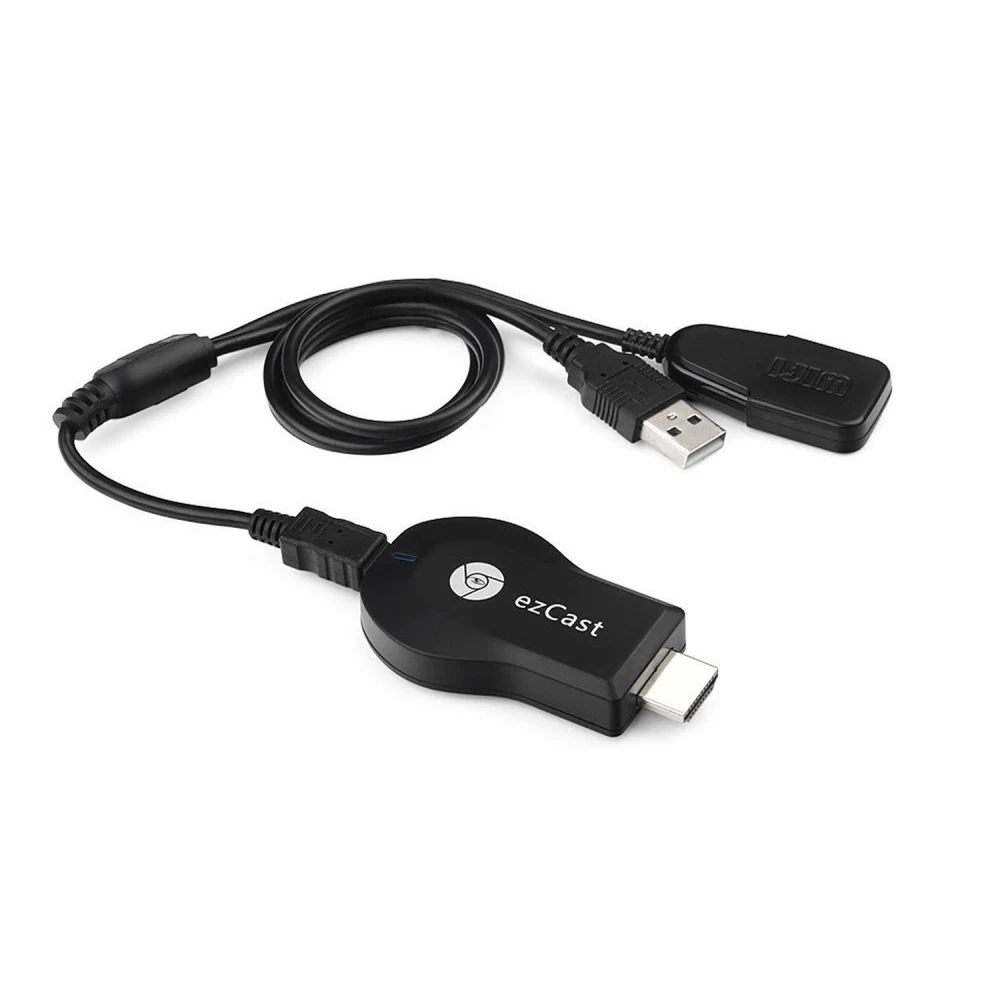
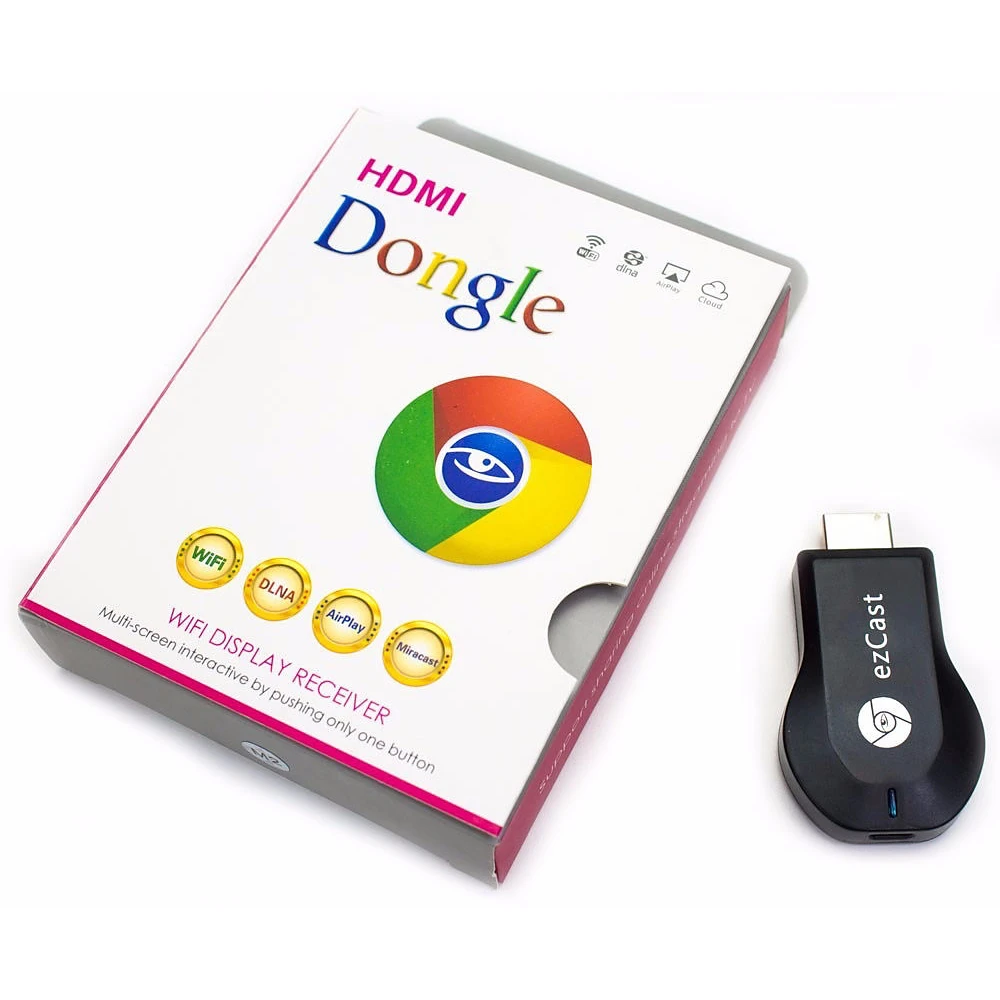
The Ezcast M2 Universal WiFi Adapter for Miracast AirPlay Streaming is a device designed to wirelessly stream multimedia content from mobile devices and computers to TVs with an HDMI input. Compatible with the Miracast, Airplay, DLNA and EZMirror protocols, this adapter offers a versatile solution for enjoying photos, videos, music and your device screen on the TV.
Main features:
- Multi-protocol support: Compatible with Miracast, Airplay, EZMirror, EZAir and DLNA for maximum flexibility.
- Multi-device compatibility: Works with iPhone, iPad, Android smartphones and tablets, Windows PC and Mac.
- Easy installation and use: Connect the adapter to the HDMI port and power it via the TV's USB port or an external charger.
- High definition: Supports H.264 1080p Full HD decoding for high-quality video.
- Fast and stable connection: IEEE 802.11 b/g/n WiFi module with up to 150 Mbps and WiFi Direct support.
- Compact design: Small size and power consumption below 2W, ideal for any space.
- Easy updates: USB port for firmware updates.
Technical specifications:
- CPU: Actions AM8251 600MHz
- RAM: DDR?-128MB
- ROM: NAND Flash 128MB
- Operating system: Linux
- WiFi module: 802.11b/g/n 2.4GHz, up to 150Mbps
- Video output: HDMI 1.3 type A male
- Power consumption: 5V/400mA via USB
Typical use:
This adapter is perfect for streaming content from your smartphone, tablet or PC to your TV's big screen without the need for cables. Ideal for presentations, watching streaming videos, showing photos or mirroring your mobile device screen for games or apps.
Compatibility:
Compatible with iOS, Android, Windows and Mac OS devices. Works with most TVs that have an HDMI port and USB for power.
How to use it:
- Connect the Ezcast M2 adapter to your TV's HDMI port and to the USB port for power.
- Download the EzCast app on your smartphone or tablet.
- Open the app, detect the device and set up the WiFi connection to stream content.
- Enjoy streaming, mirroring and multimedia playback on your TV.
This adapter offers a simple and efficient wireless experience, ideal for anyone looking for a universal solution to share content on the big screen without hassle.
- Multi-protocol support: Miracast, Airplay, EZMirror, EZAir, DLNA
- Compatible with iPhone, iPad, Android, Windows and Mac
- H.264 1080p Full HD decoding for high-quality video
- 802.11b/g/n WiFi module up to 150Mbps with WiFi Direct
- Easy installation: connect to HDMI and USB for power
- Compact design and power consumption below 2W
- USB port for firmware updates
Customer Questions & Answers
Which devices is the Ezcast M2 adapter compatible with?
The adapter is compatible with iPhone, iPad, Android smartphones and tablets, as well as Windows PCs and Mac OS.
Do I need a special cable to use the adapter?
No, you only need to connect the adapter to the TV's HDMI port and power it via a USB port or an external charger with a Micro USB connector.
Which streaming protocols does this adapter support?
It supports Miracast, Airplay, EZMirror, EZAir and DLNA for maximum compatibility.
Can I use the adapter to watch streaming videos from the Internet?
Yes, the adapter allows you to view local and Internet content, and also works as a repeater to improve the connection.
How do I set up the adapter for use?
Download the EzCast app on your mobile device, connect the adapter to the TV and follow the instructions to connect the adapter to your WiFi network.
Write a customer review
Customers who bought this item also bought

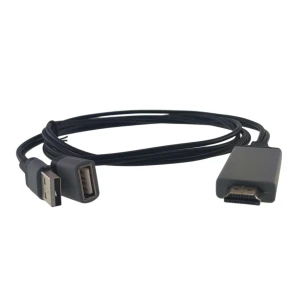
Universal HDMI adapter for phone to TV compatible with iOS and Android 1080P
Your Recently Viewed Items