


4.71 €
In Stock
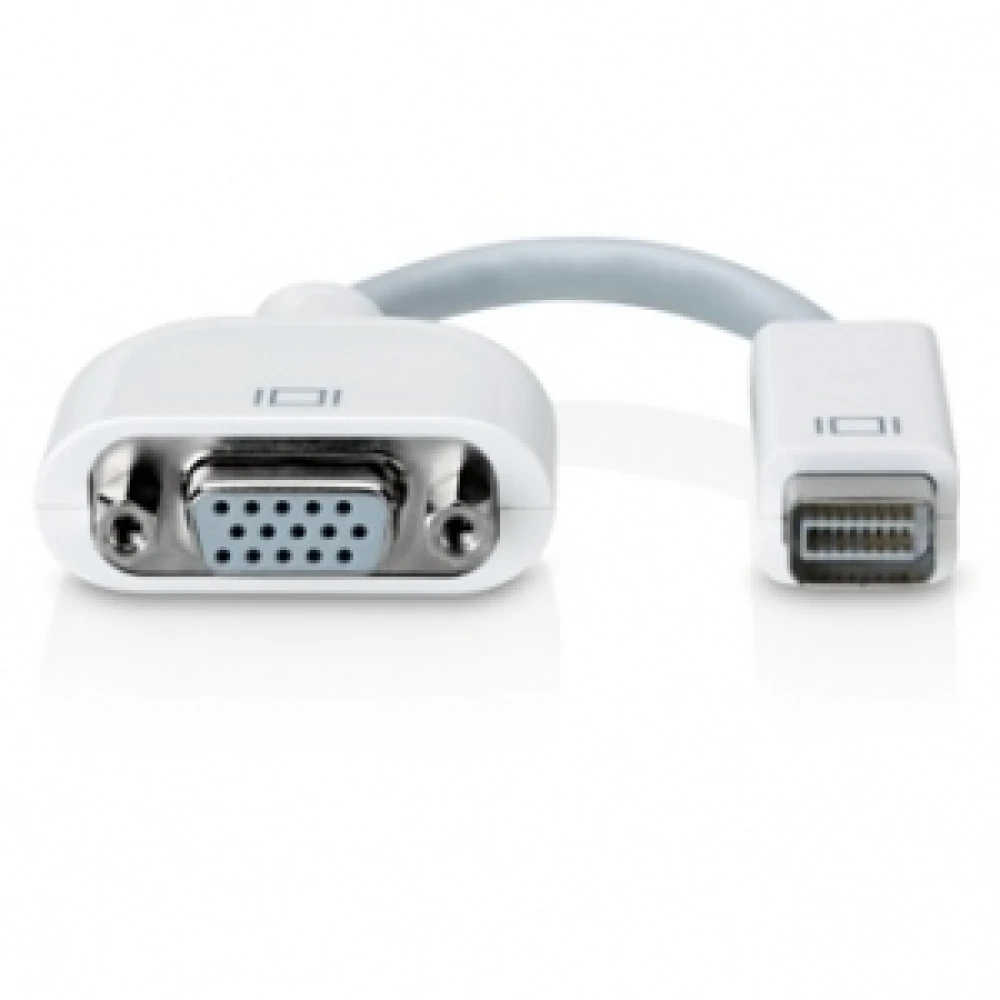
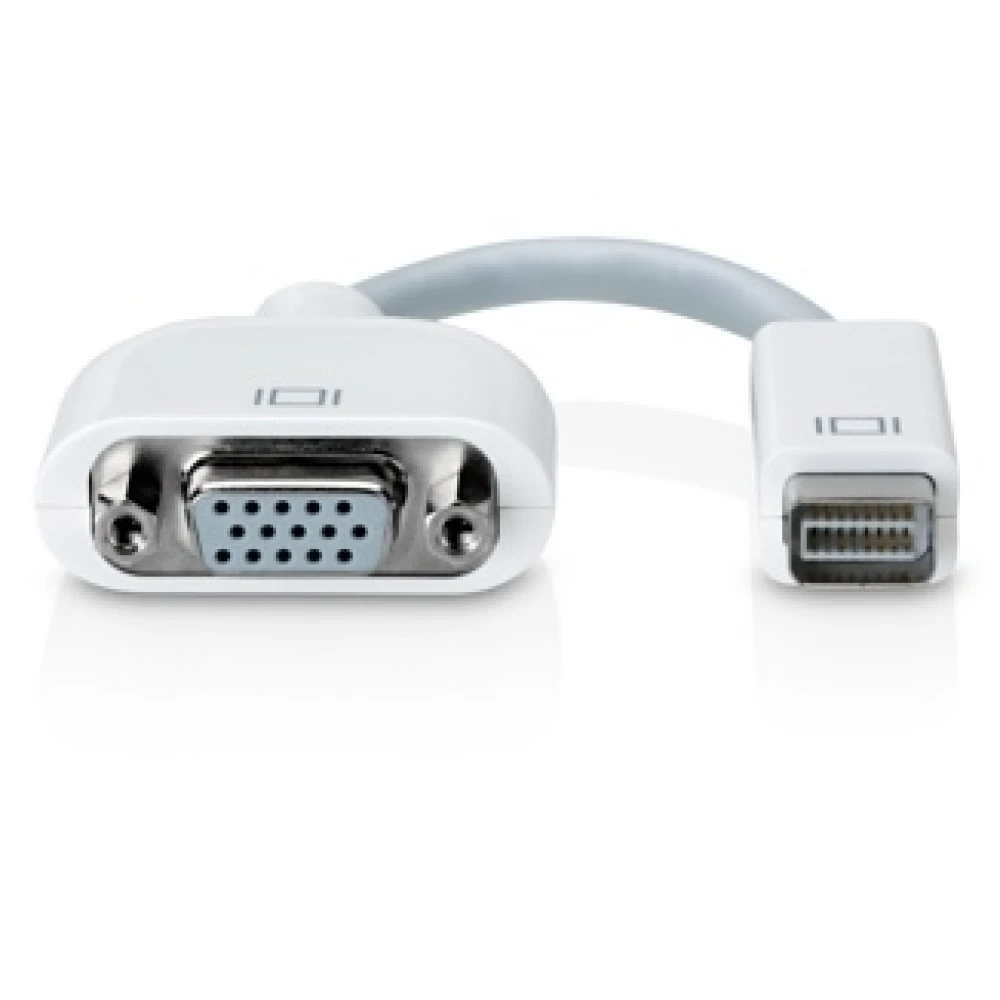
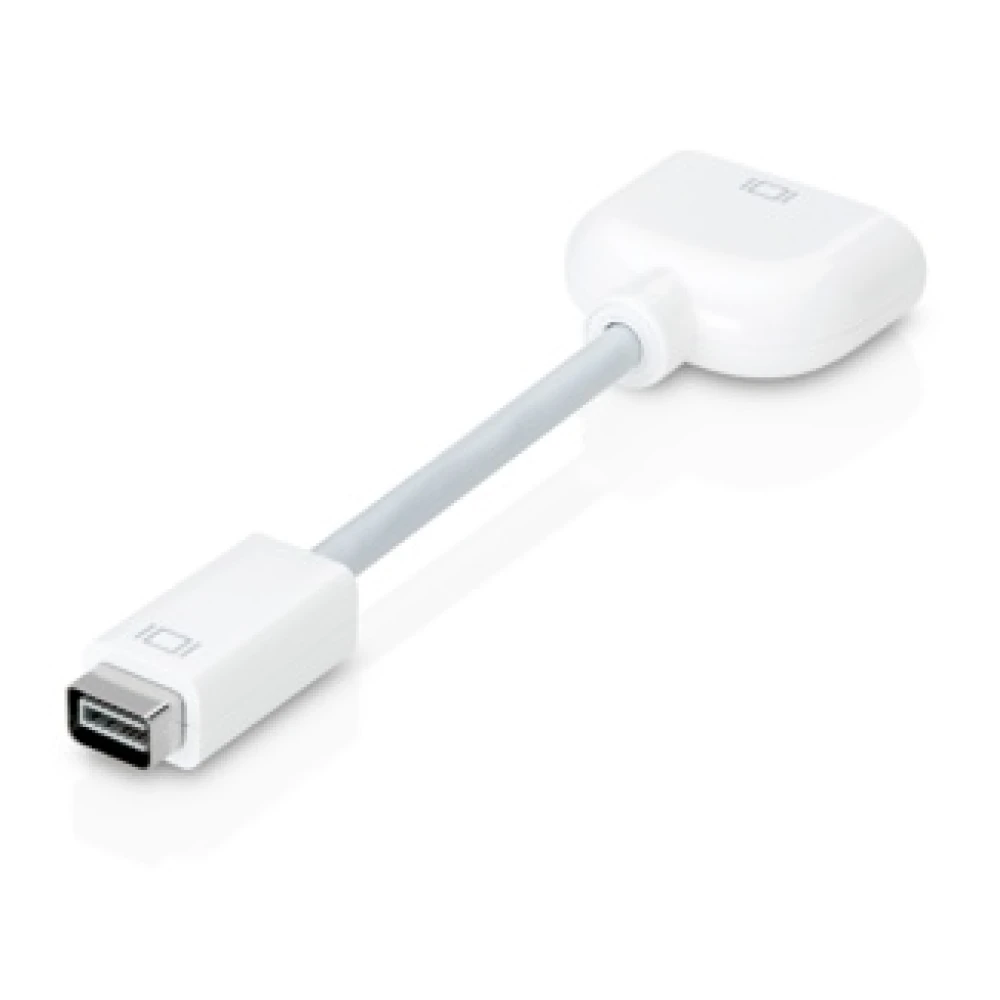
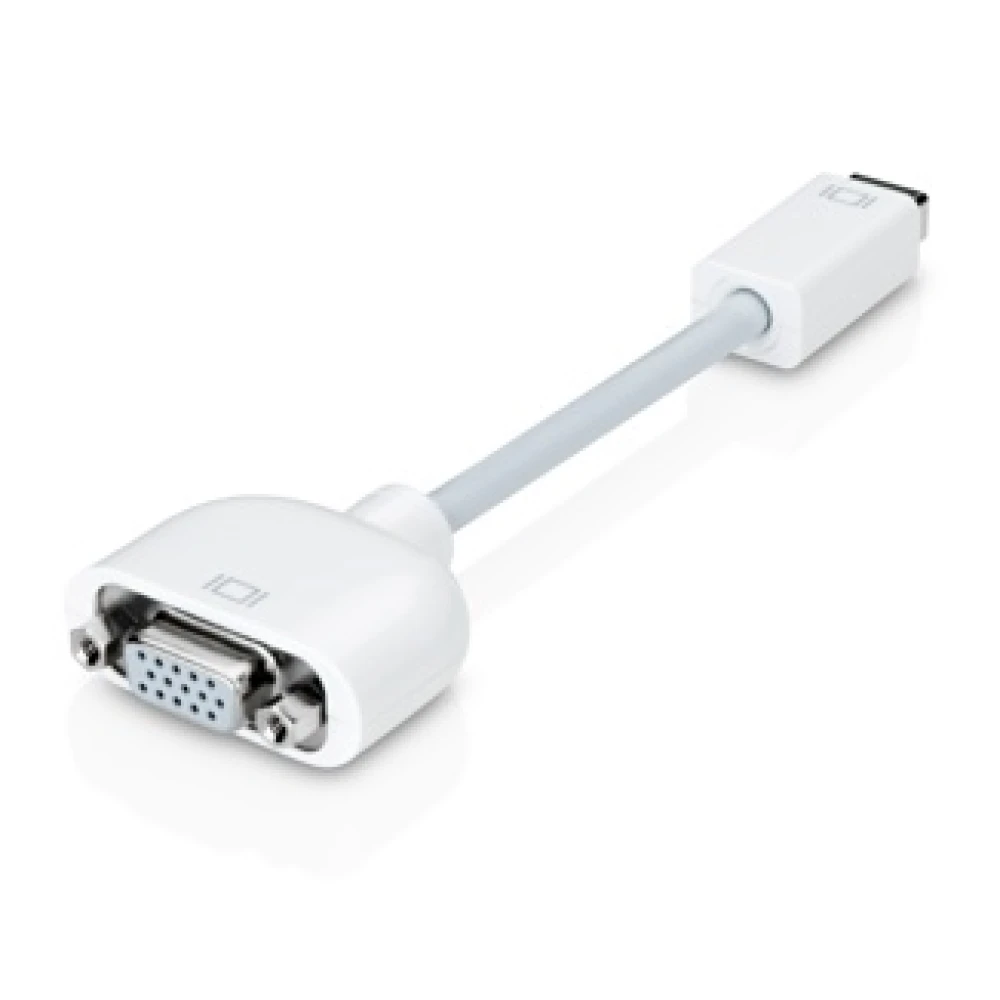
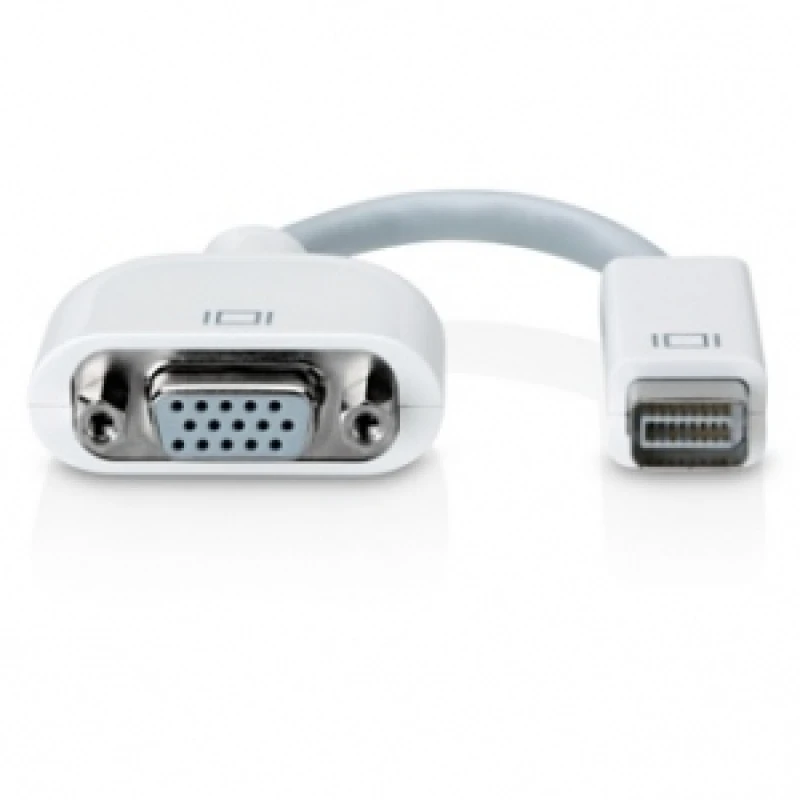
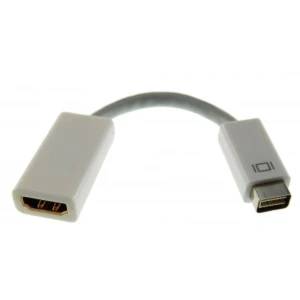
Mini DVI to VGA Adapter for connecting monitors and projectors on Mac and PC
Brand: satkit
Save 4% Was: 4.92 €
4.71€
VAT included (Ex VAT: 3.83 €)
Volume Discounts
| Quantity | Price | Save |
|---|---|---|
| 2+ | 4.72 € | -4% |
| 10+ | 4.48 € | -9% |
| 20+ | 3.94 € | -20% |
In Stock - Ships immediately
Standard delivery
Fri, May 1 - Tue, May 5
Express delivery
Wed, Apr 29 - Thu, Apr 30
30-day returns
Free returns within 30 days
Secure transaction






Share:
Free Delivery
Shipping from €4.99
Easy Returns
30 day return policy
Secure Payment
100% secure checkout
Quality Guarantee
Original products only
The Mini DVI to VGA Adapter from satkit is the perfect accessory for Mac or PC users who need to connect devices with Mini DVI output to monitors, projectors or analogue displays that use a VGA connection. This adapter makes it easy to connect modern equipment to older screens or projectors that still use the VGA standard.
Main features:
- Female Mini DVI to male VGA connection for compatibility with VGA monitors and projectors.
- Compatible exclusively with Mac or PC computers that have a Mini DVI connection.
- Allows you to use an external monitor as a desktop extension or in mirror mode for presentations.
- Ideal for connecting to LCD, projectors or standard analogue monitors with a VGA cable or connector.
- Compact and easy-to-carry design, ideal for professionals and home users.
Typical uses:
- Expand your workspace by connecting an external monitor to your Mac or PC.
- Give presentations with a projector in mirror mode to show the same image as on your main screen.
- Connect your equipment to VGA displays in educational settings, offices or meeting rooms.
Compatibility:
This adapter is compatible exclusively with devices that have Mini DVI output, such as certain Mac and PC computer models. It is recommended to check the manufacturer's documentation or verify the Mini DVI connection before purchase to ensure compatibility.
With this adapter, you can connect your Mac or PC to any standard VGA monitor or projector without complications, making it easier to integrate older equipment with more up-to-date technology.
- Mini DVI to VGA connection for Mac and PC
- Compatible with VGA monitors, projectors and displays
- Lets you easily extend or mirror your desktop
- Ideal for presentations and professional use
- Compact and portable design
Customer Questions & Answers
What are the dimensions, weight and main materials of this adapter?
The adapter usually measures approximately 15 cm in length (including connectors), with a weight of around 35 g. It is mainly made from ABS and PVC housings and plated metal connectors to improve conductivity and reduce interference.
Does the adapter require special installation or drivers to work properly?
No drivers or additional software are required. Simply connect it to the device's Mini DVI port and to the monitor or projector's VGA cable. It is plug & play. However, some resolution settings may need to be configured manually in the operating system.
Are there noticeable differences in image quality when using this adapter compared with a direct digital connection?
Yes. When converting the Mini DVI digital signal to analogue VGA, there may be some loss of sharpness or a limitation in maximum resolution, usually up to 1920x1200 pixels at 60 Hz, depending on the monitor and the length of the VGA cable. It does not support audio transmission or HDCP protection.
Which devices is the Mini DVI to VGA adapter compatible with?
It is compatible exclusively with Mac or PC computers that have a Mini DVI connection.
Can I use this adapter to connect a VGA projector?
Yes, it lets you connect your Mac or PC with Mini DVI output to projectors that use a VGA input.
Do I need any software to use this adapter?
No, the adapter works plug and play without the need to install additional software.
Does this adapter convert the digital signal to analogue?
Yes, it converts the Mini DVI digital signal to analogue VGA for compatibility with VGA monitors and projectors.
Can I use this adapter to connect an LCD monitor?
Yes, it is compatible with LCD monitors that have a VGA input.
Write a customer review
Customers who bought this item also bought
-6%

-3%
-7%
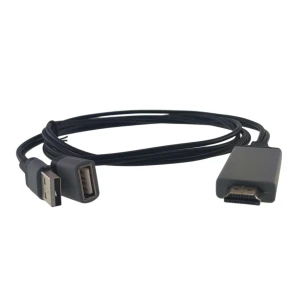
Universal HDMI adapter for phone to TV compatible with iOS and Android 1080P
7.38€
Only 3 left in stock
Your Recently Viewed Items
-19%
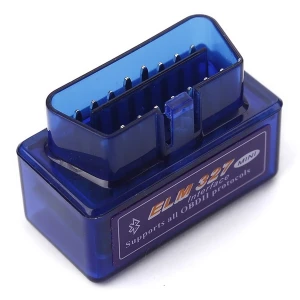
Mini Elm327 Bluetooth OBD2 V2.1 for fast, efficient car diagnostics
7.00€
8.60 €
Only 3 left in stock
Mini DVI to VGA Adapter for connecting monitors and projectors on Mac and PC
4.71 €4.92 €